How To Request Manager Feedback In Evalflow
Learn how to solicit professional performance insights from your manager using the Evalflow feedback module. This guide demonstrates how to draft, optimize, and submit your feedback request efficiently.
Navigation
1. Navigate to https://app.evalflow.com/dashboard
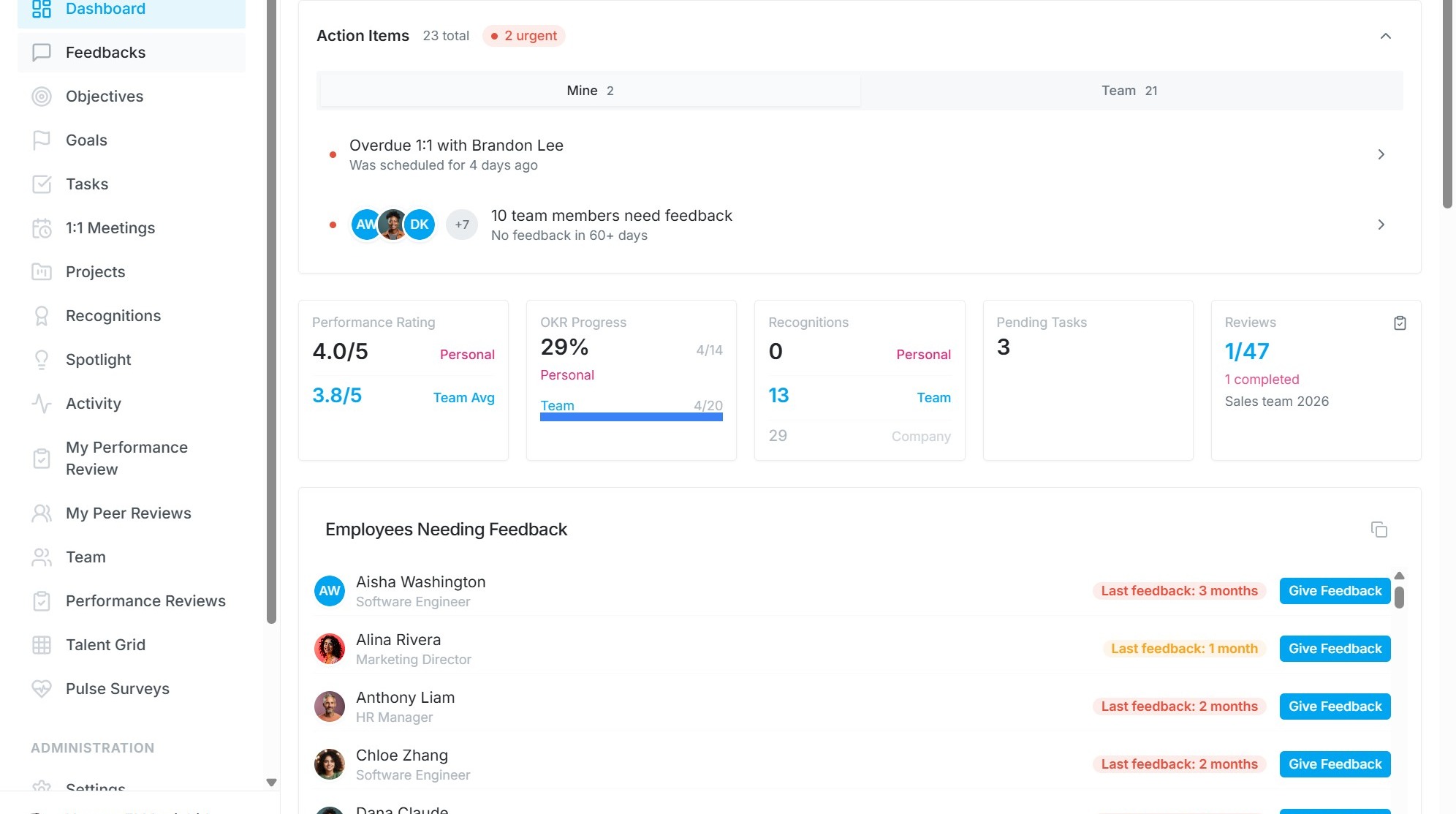
2. Select Feedbacks from sidebar menu.
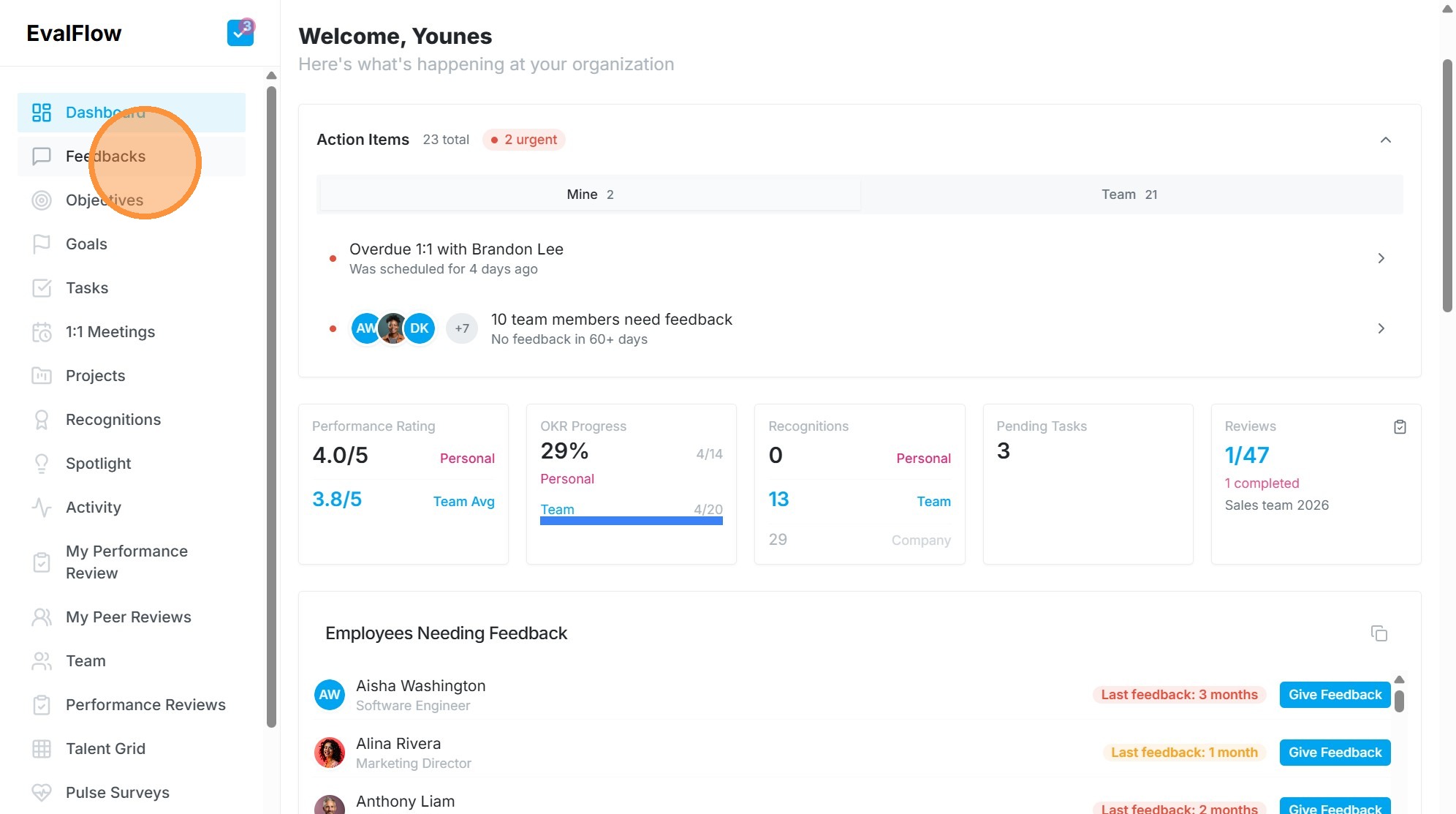
Feedback Request Setup
3. Click + Feedback and select Request Feedback tab.
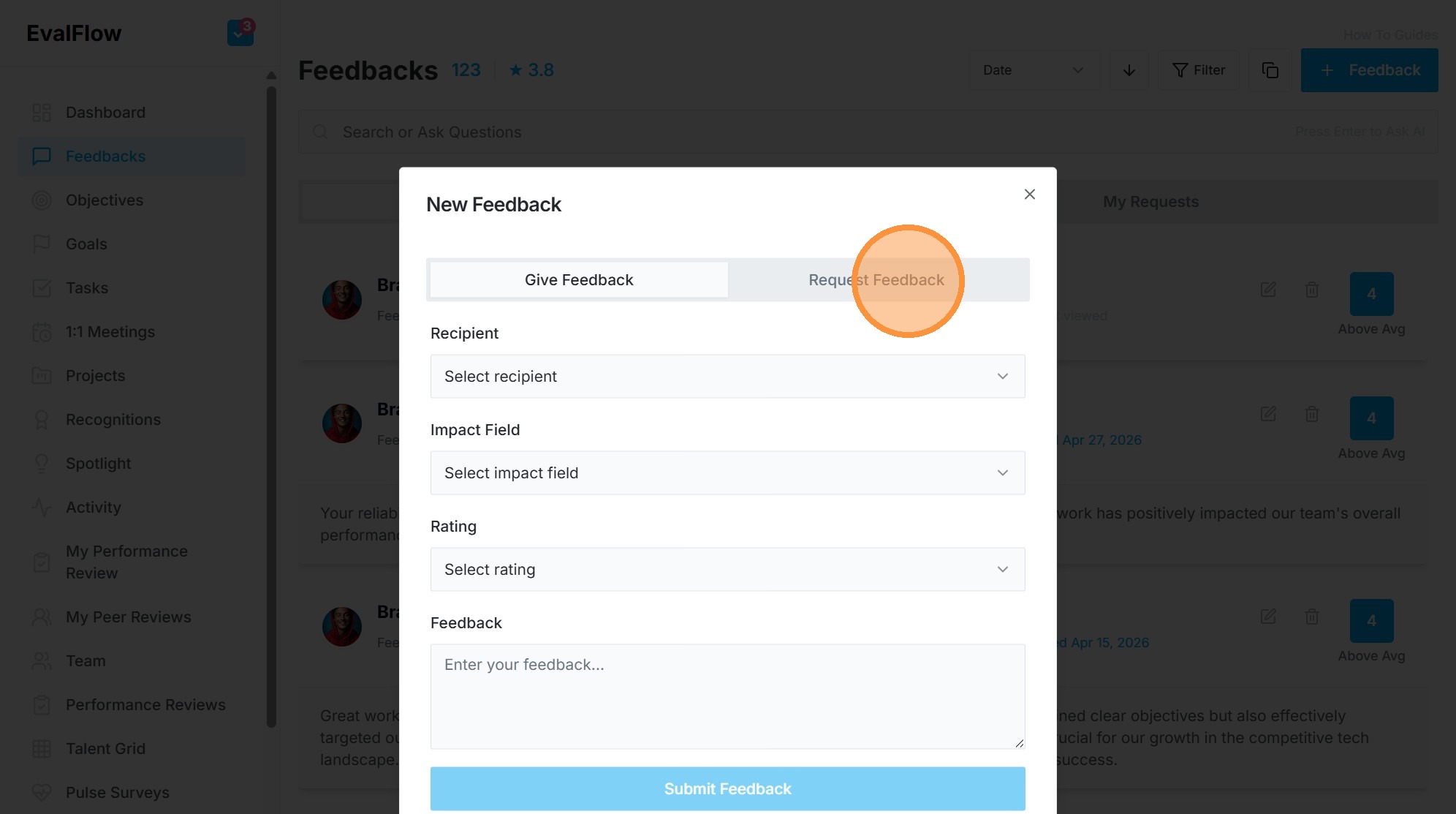
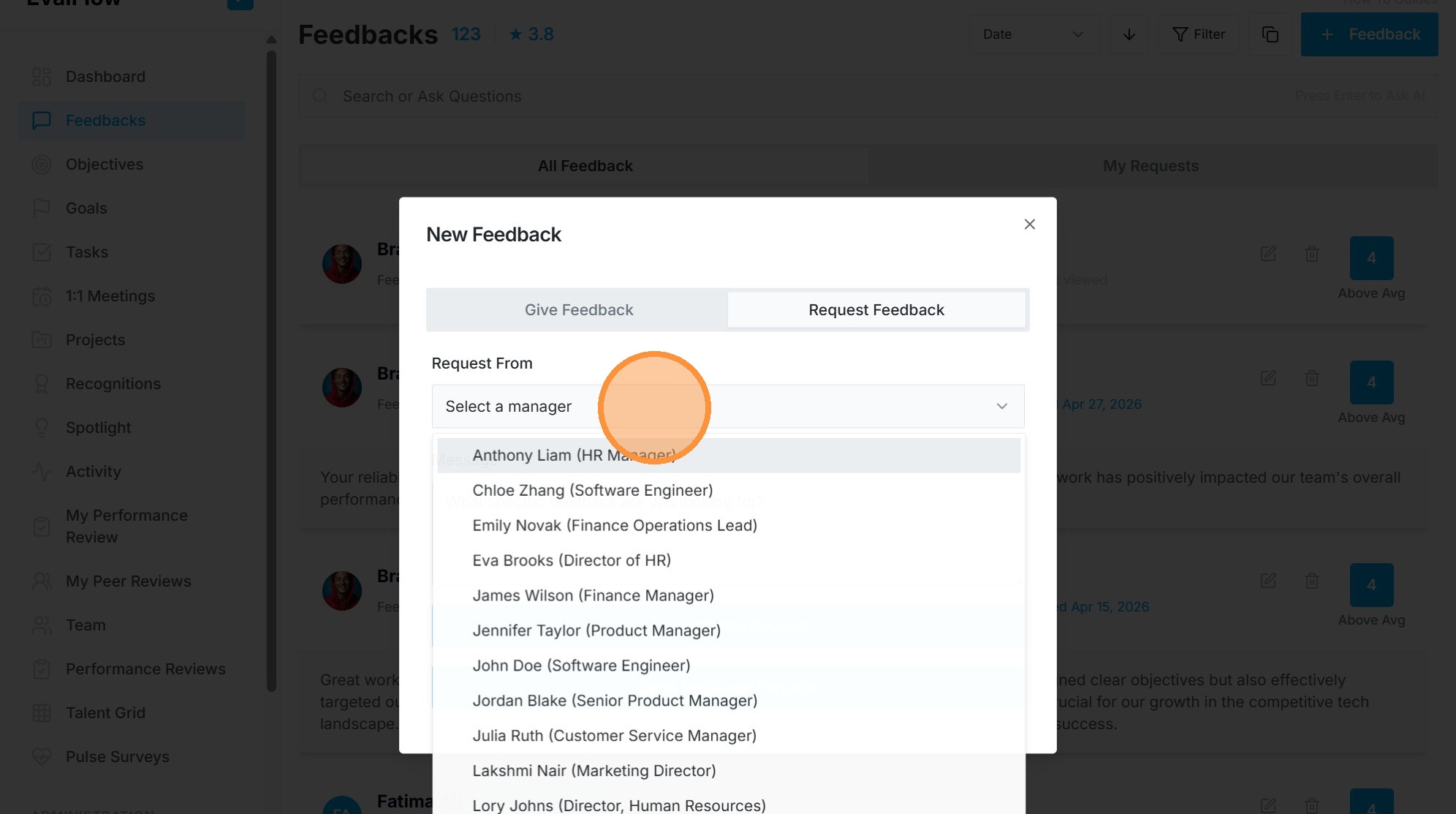
4. Select recipient from Request From dropdown.
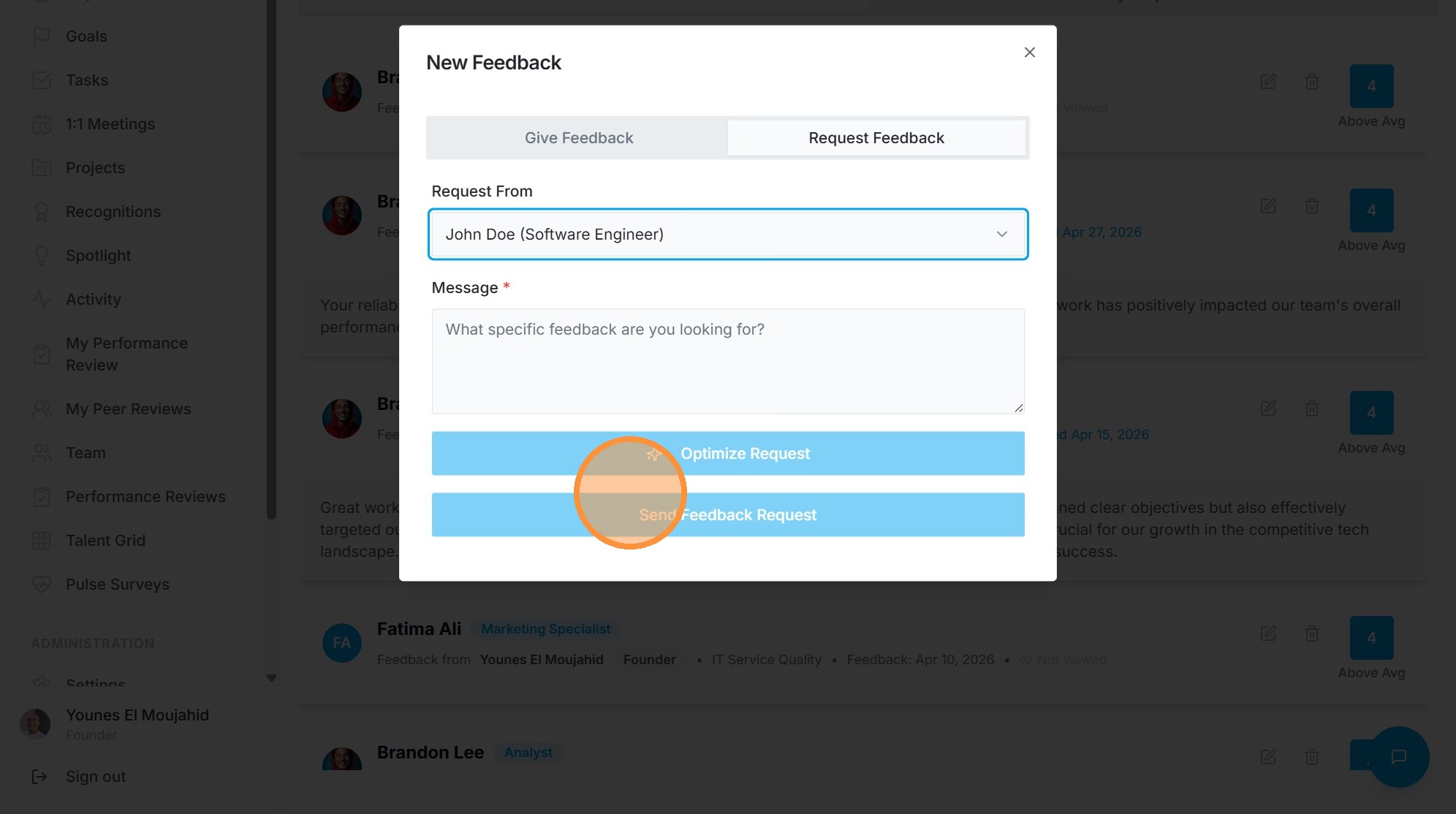
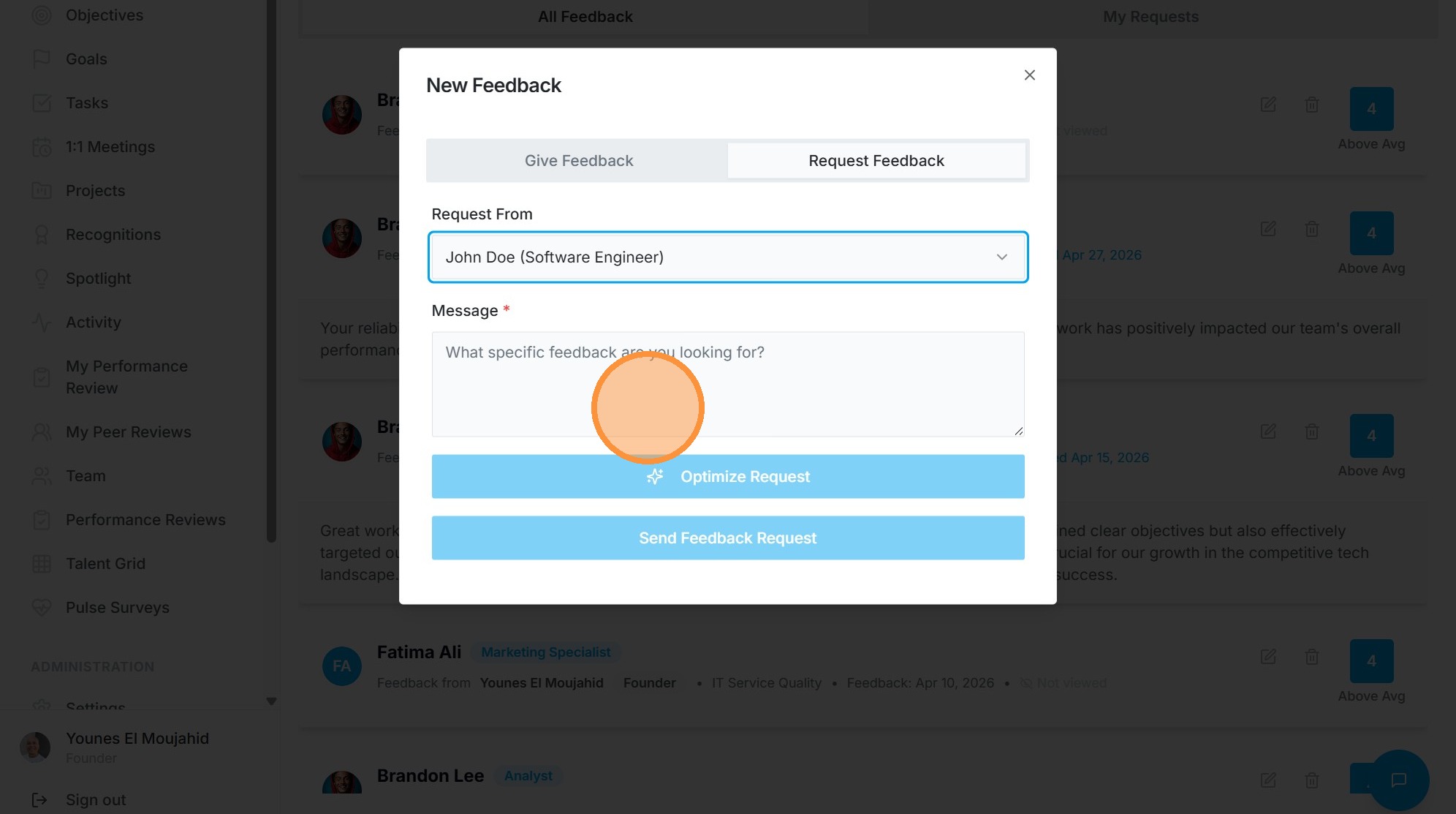
5. Enter your request in Message field.
Message Optimization
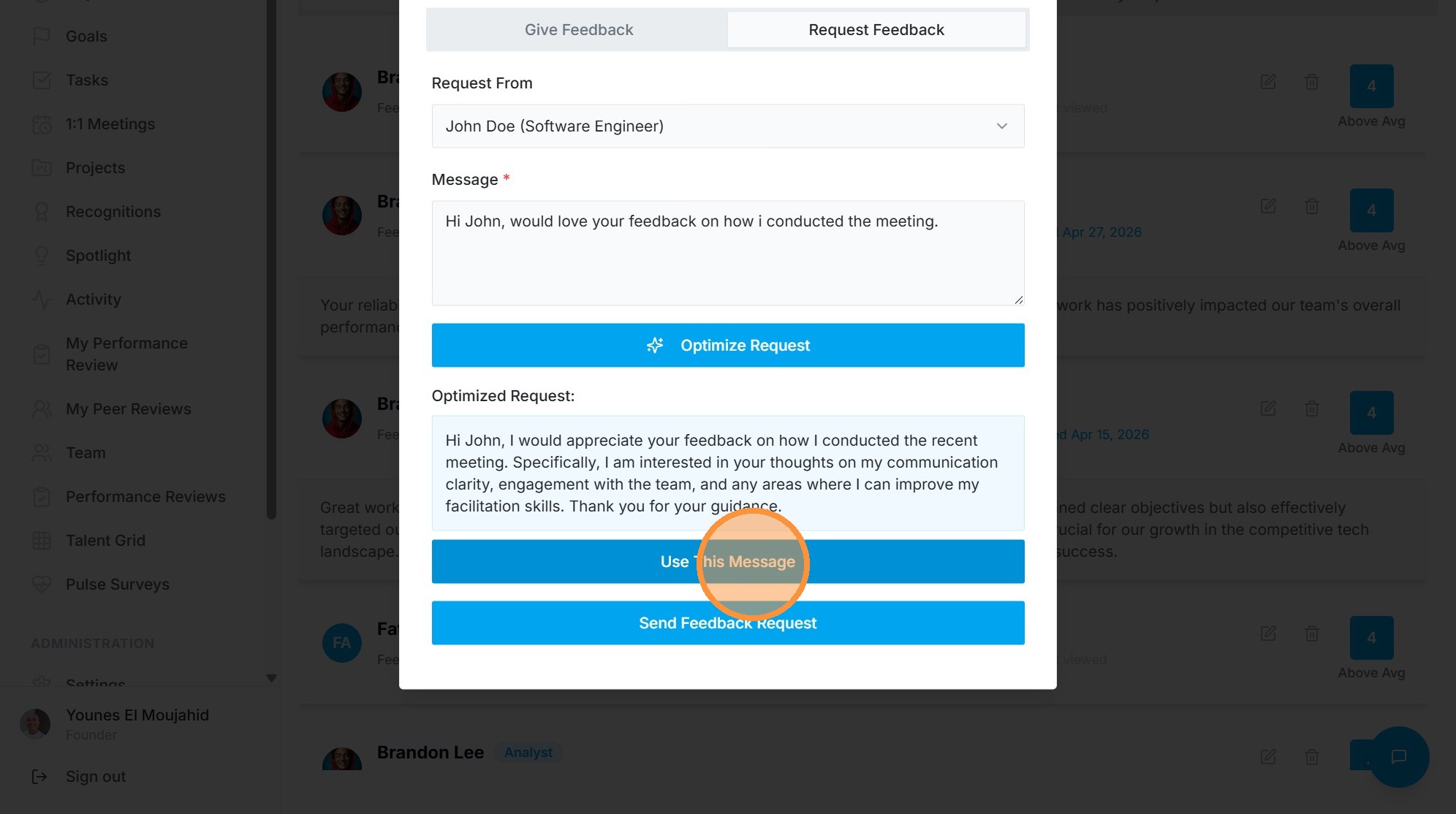
6. Click Optimize Request.
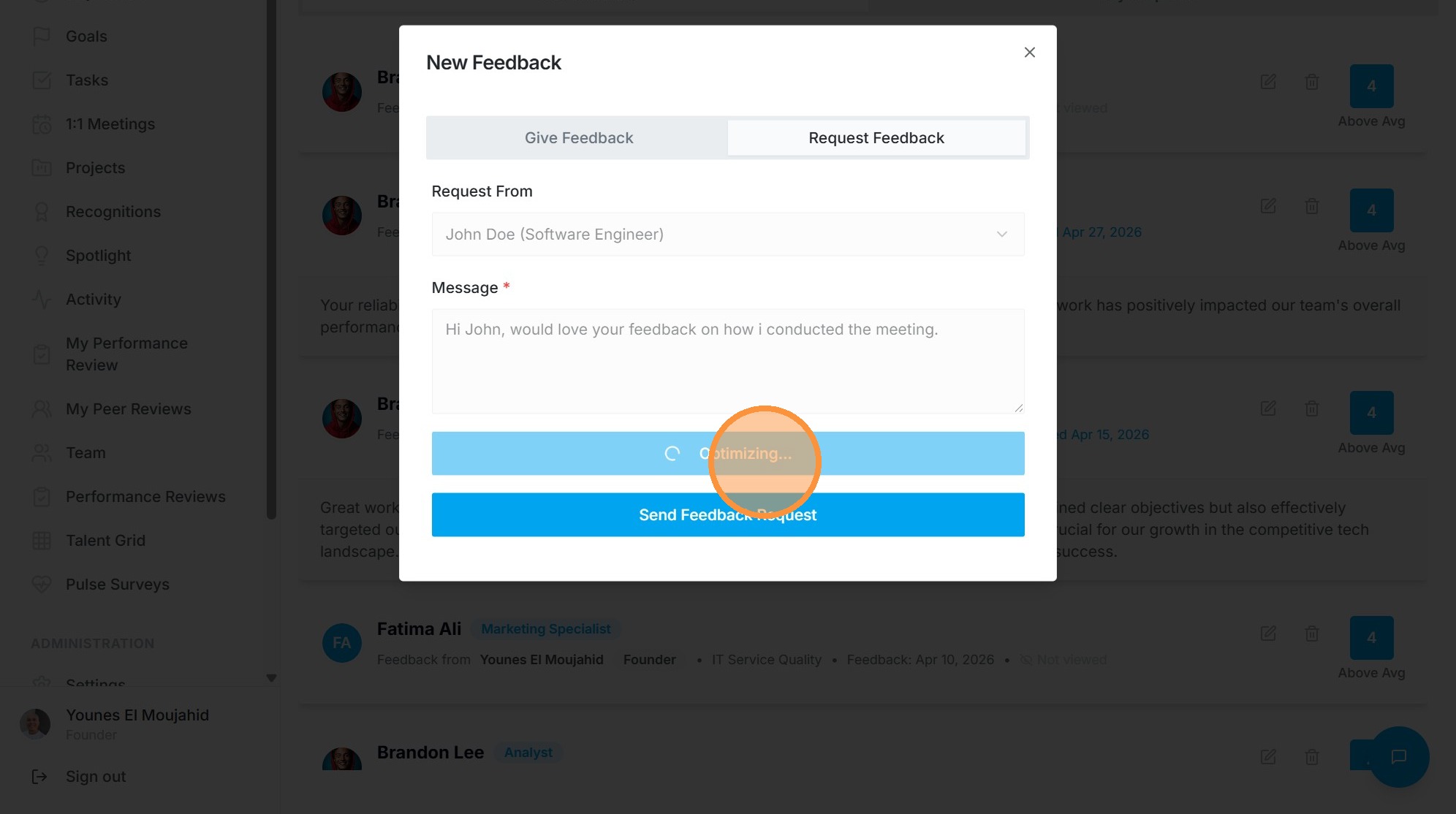
7. Click "Use This Message"
Submission and Verification
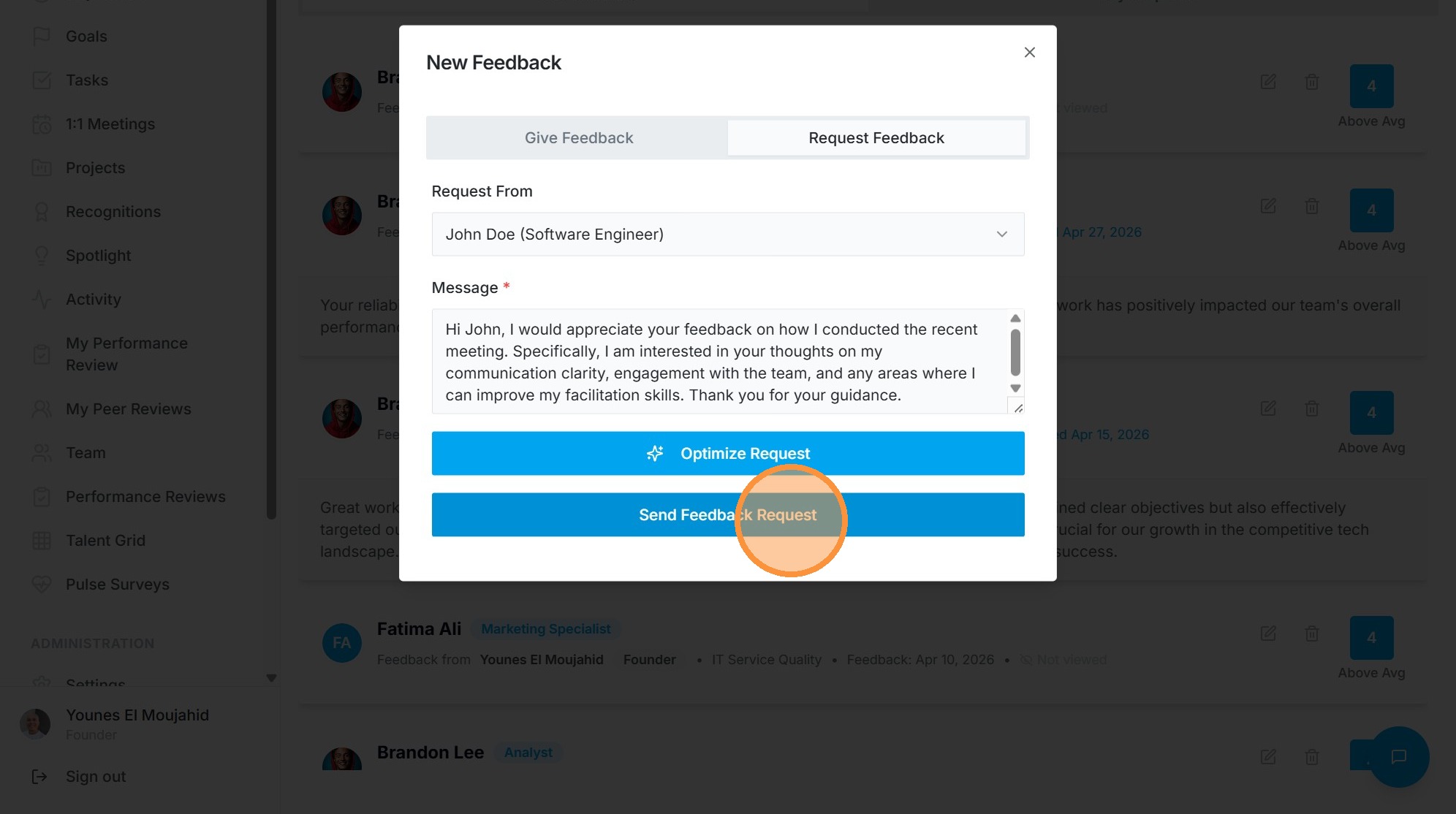
8. Click Send Feedback Request.
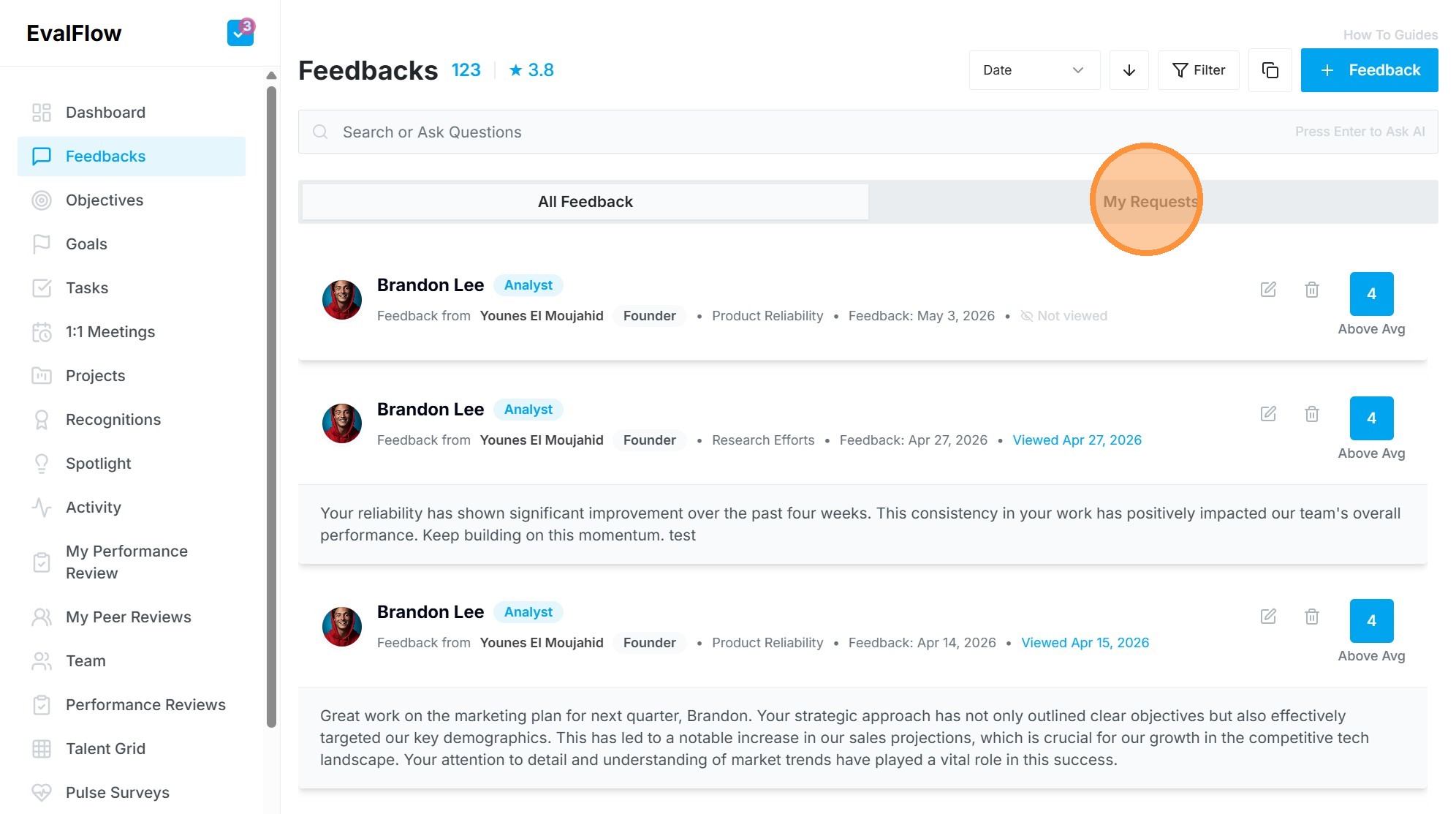
9. Navigate to My Requests tab to view sent requests.