Made by Younes El Moujahid with Scribe
Learn how to provide constructive feedback on analysis within Evalflow. This guide will walk you through the process of rating feedback and typing your observations to improve the platform.
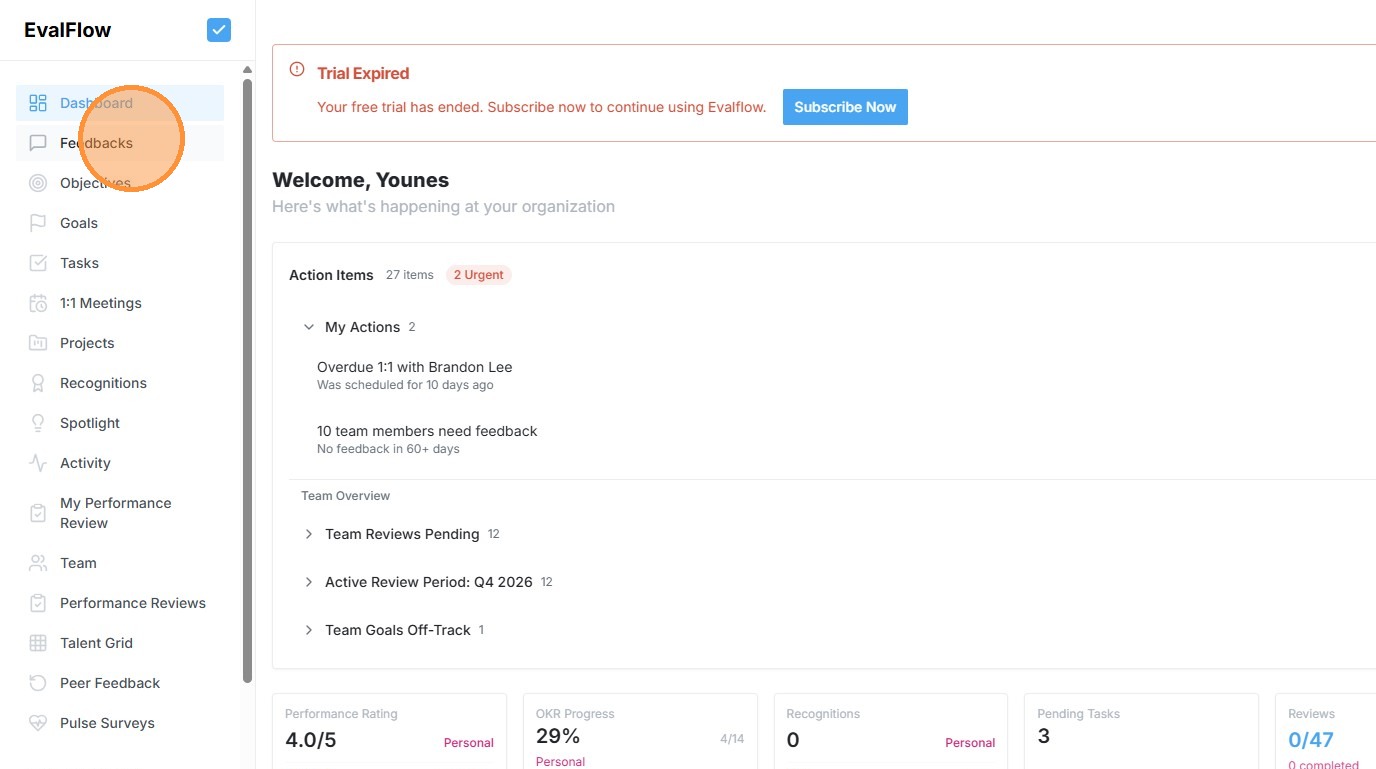
1. Navigate to https://app.evalflow.com/dashboard
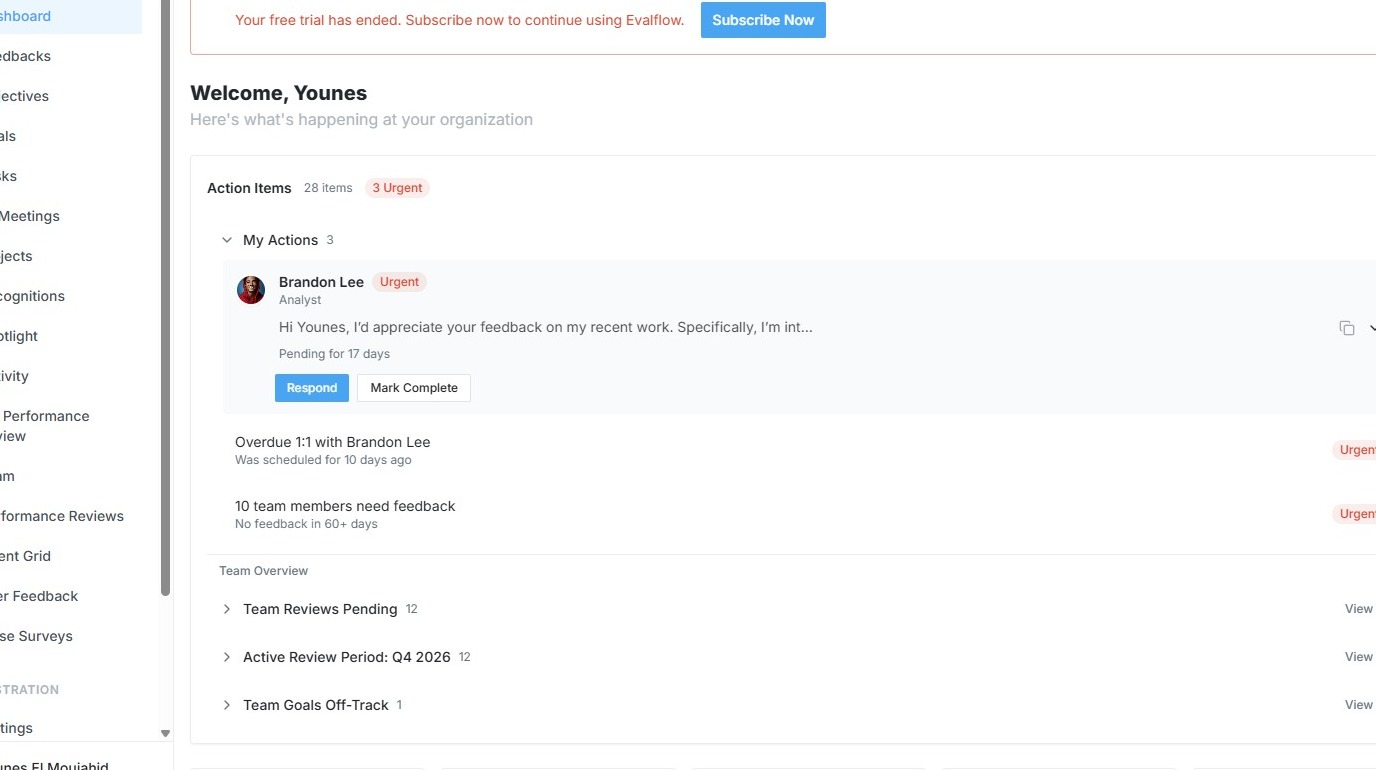
2. Click this button.
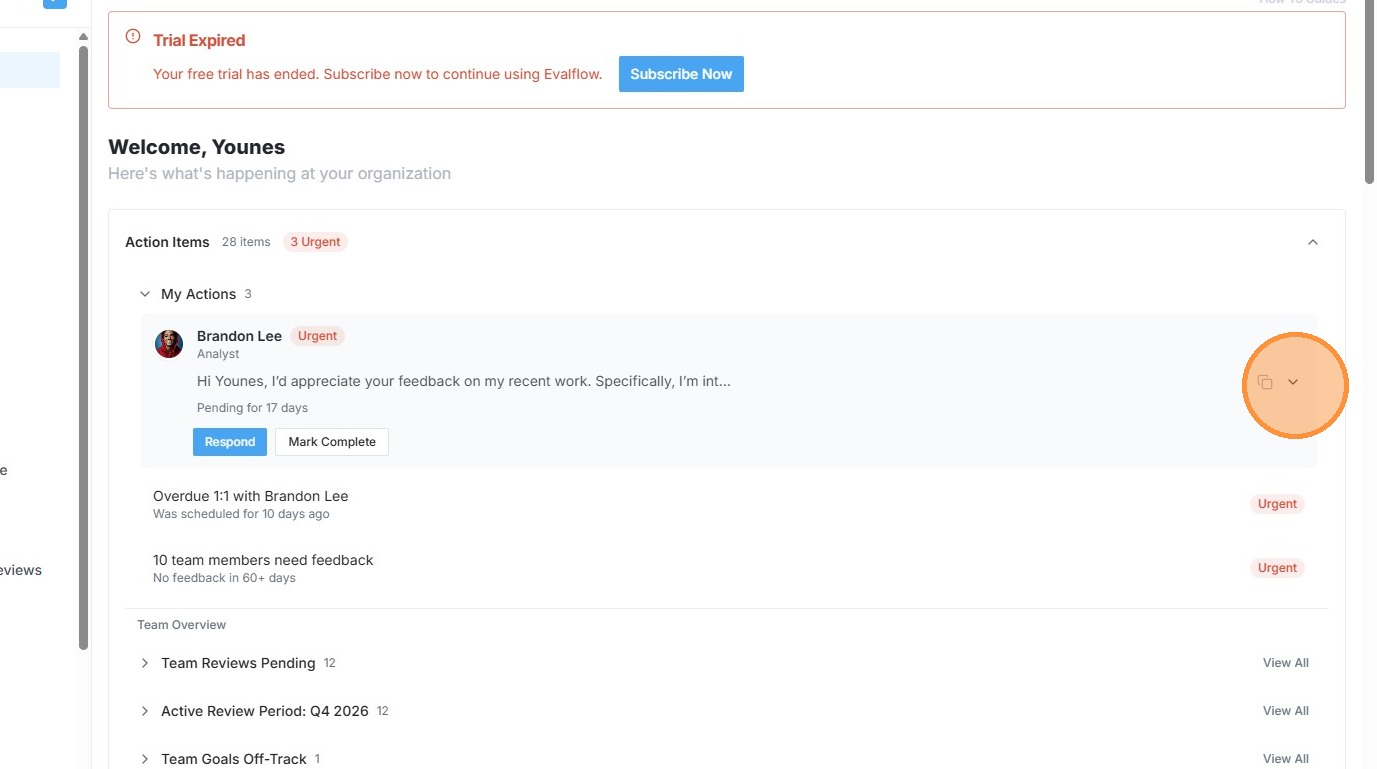
3. Click this button.
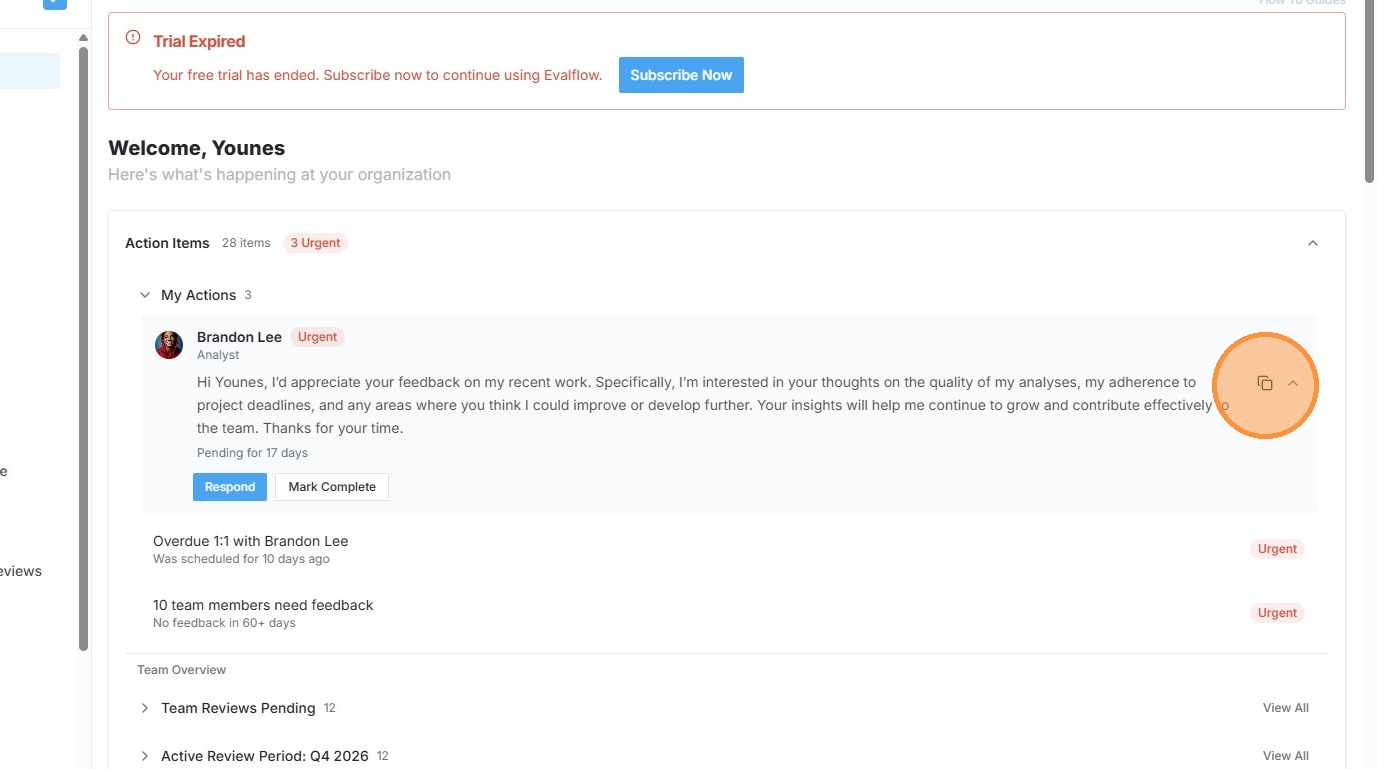
4. Click "Respond"
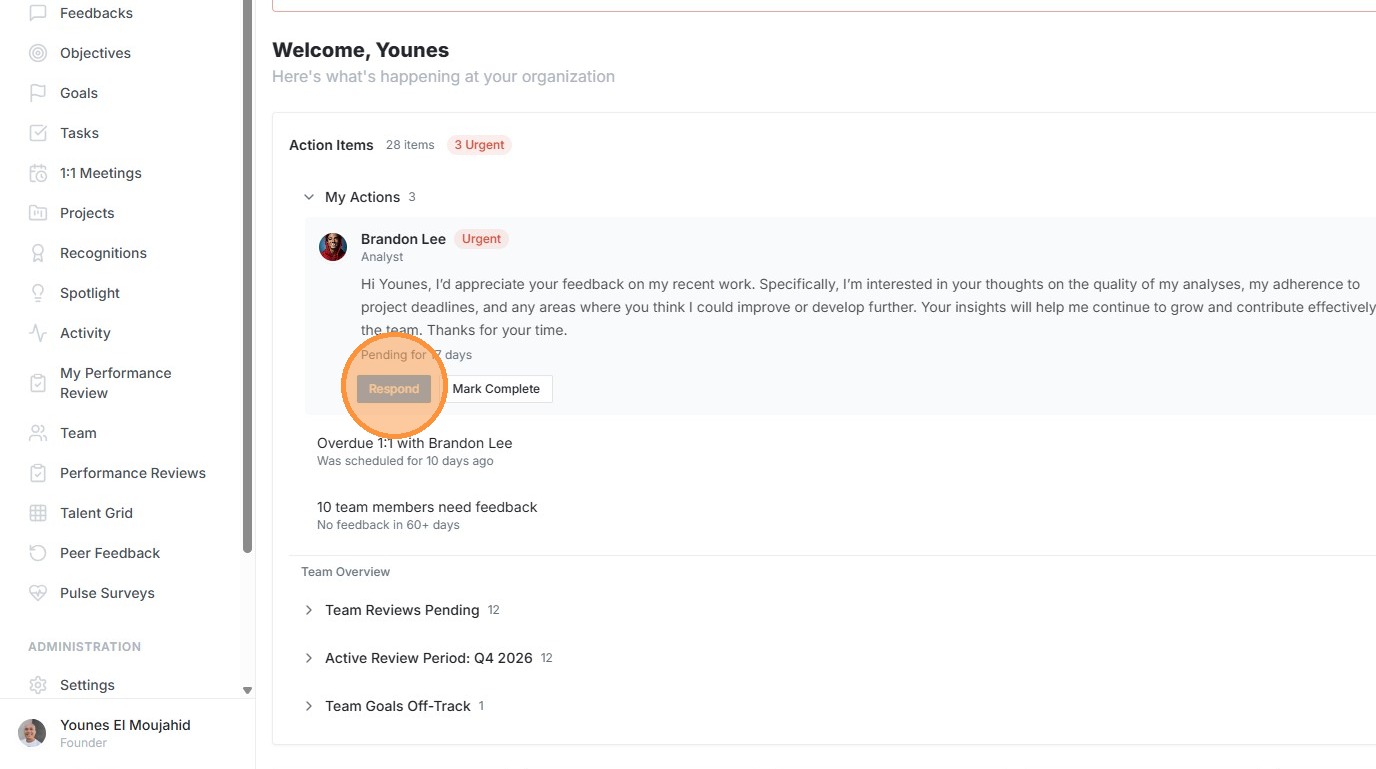
5. Click "Select rating"
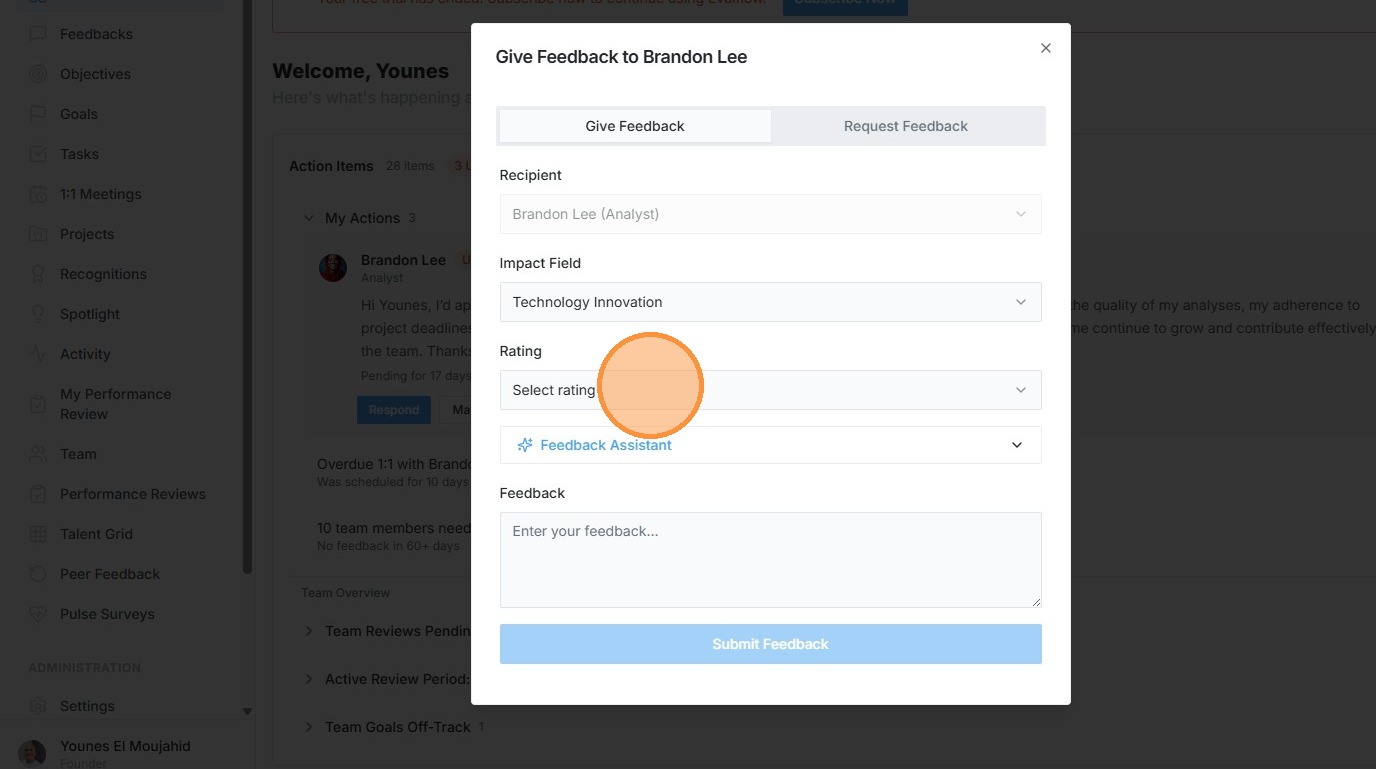
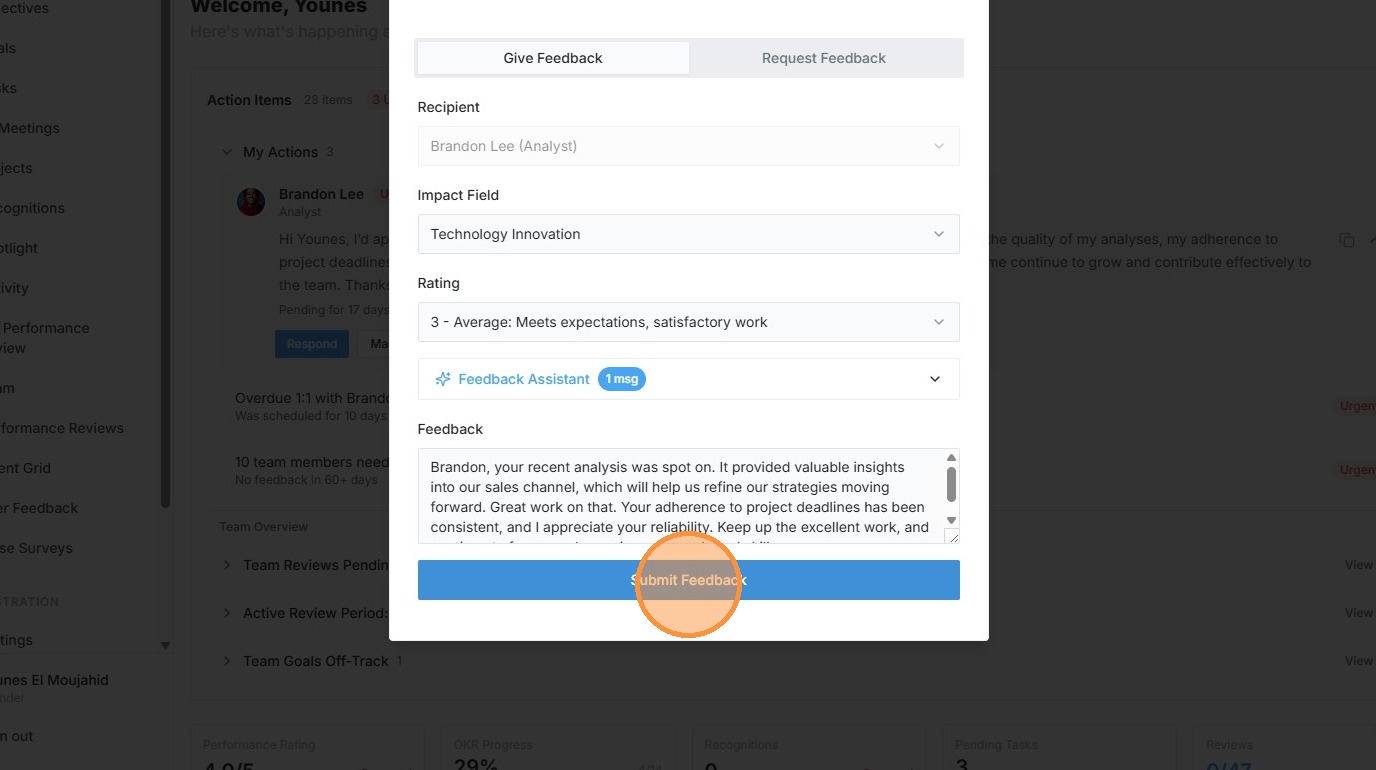
6. Click "3 - Average: Meets expectations, satisfactory work"
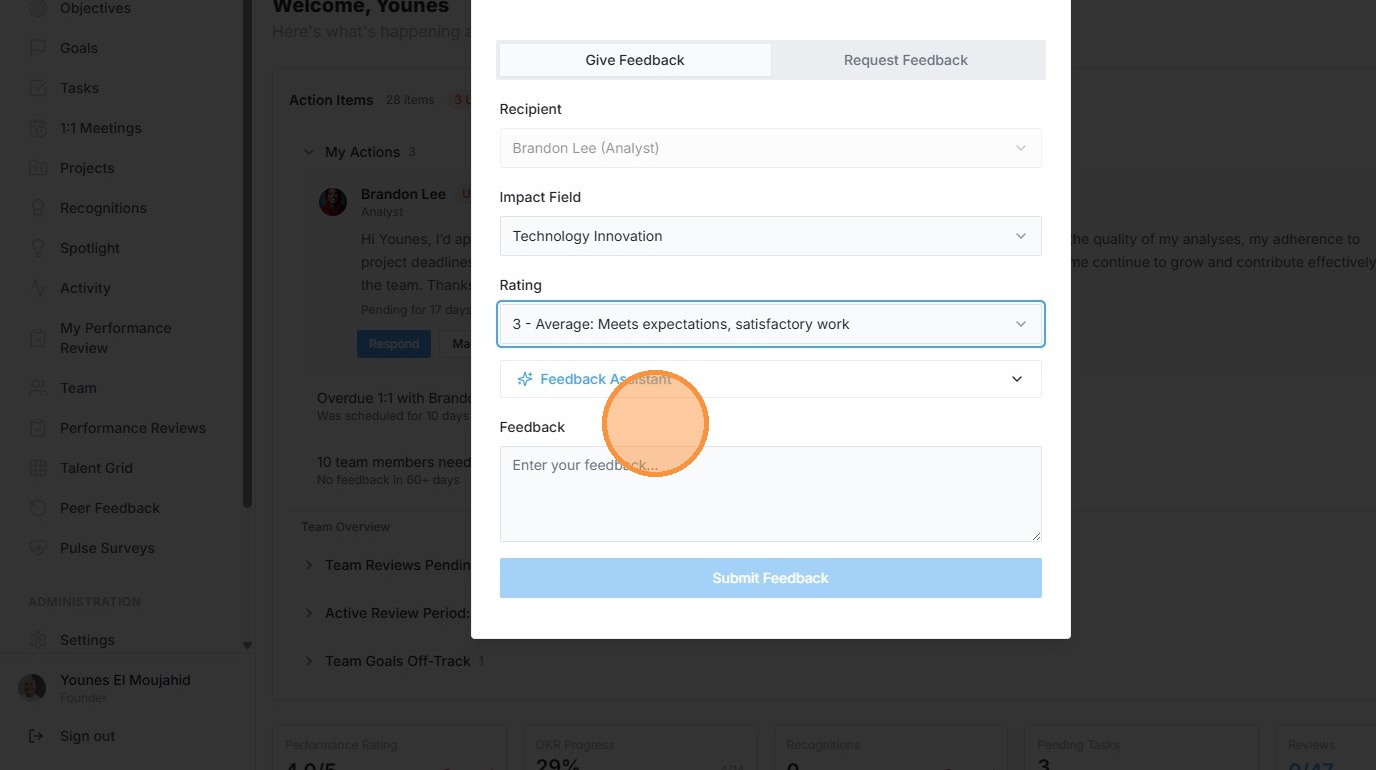
7. Click "Feedback Assistant"
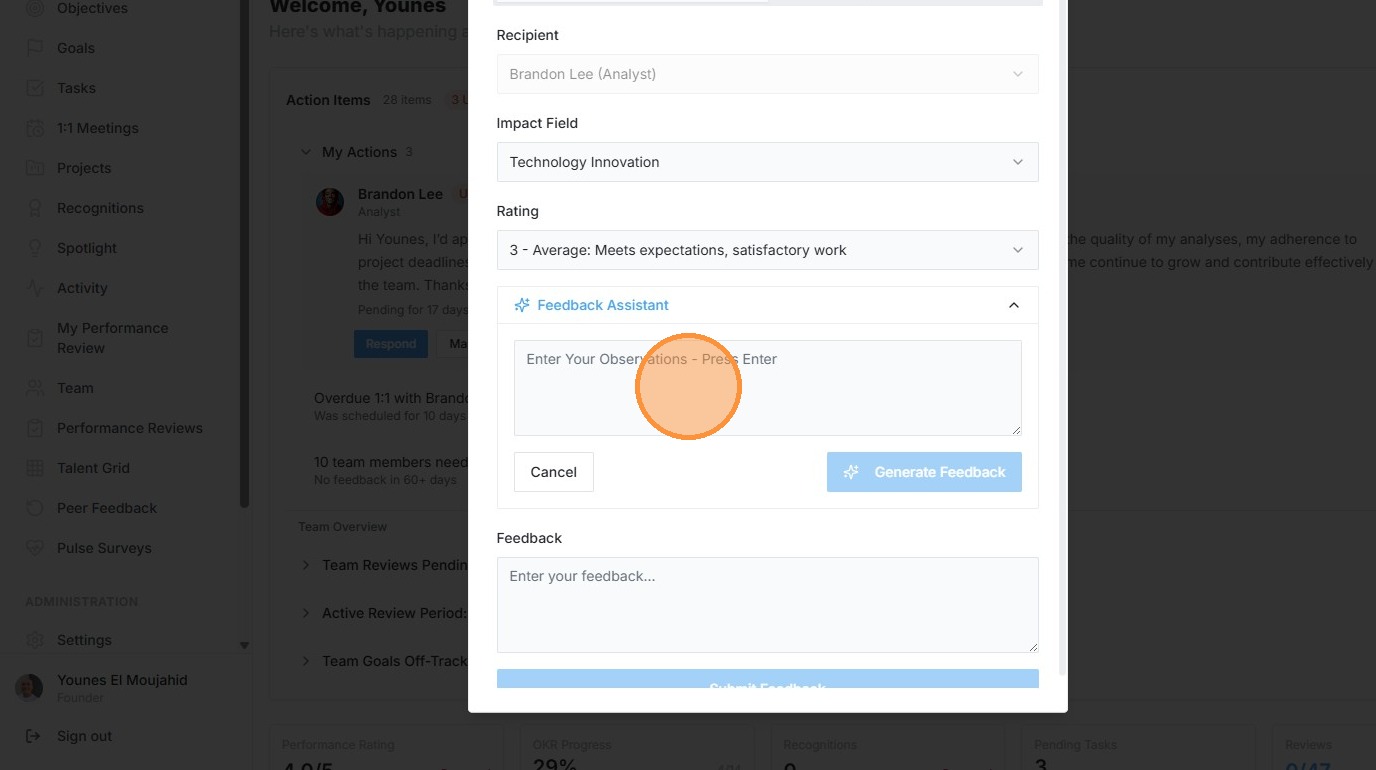
8. Click the "Enter Your Observations - Press Enter" field.
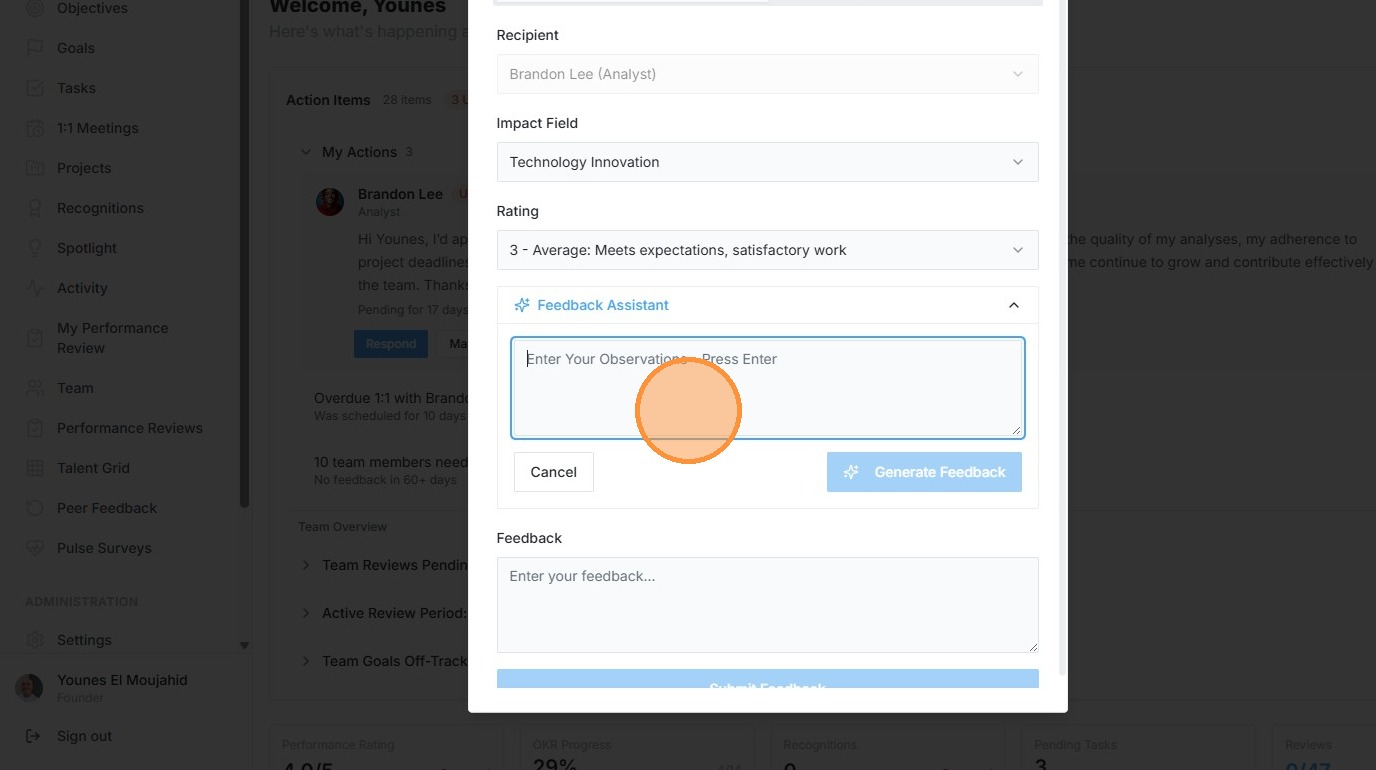
9. Type "respond to this request that the analysis was on point, it gave us insight into our sales channel, great work."
10. Press [[ctrl]] + [[v]]
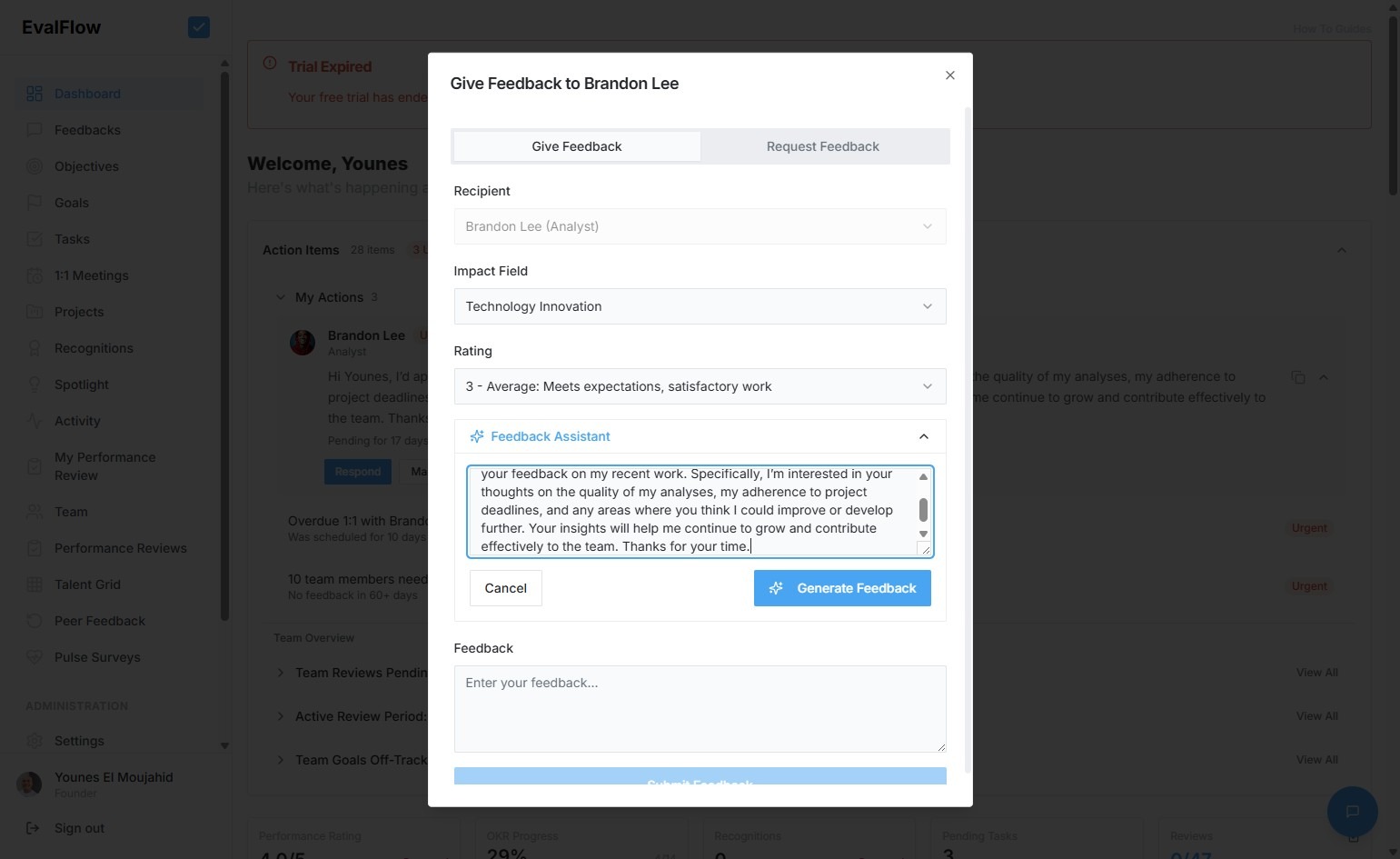
11. Press [[ctrl]] + [[v]]
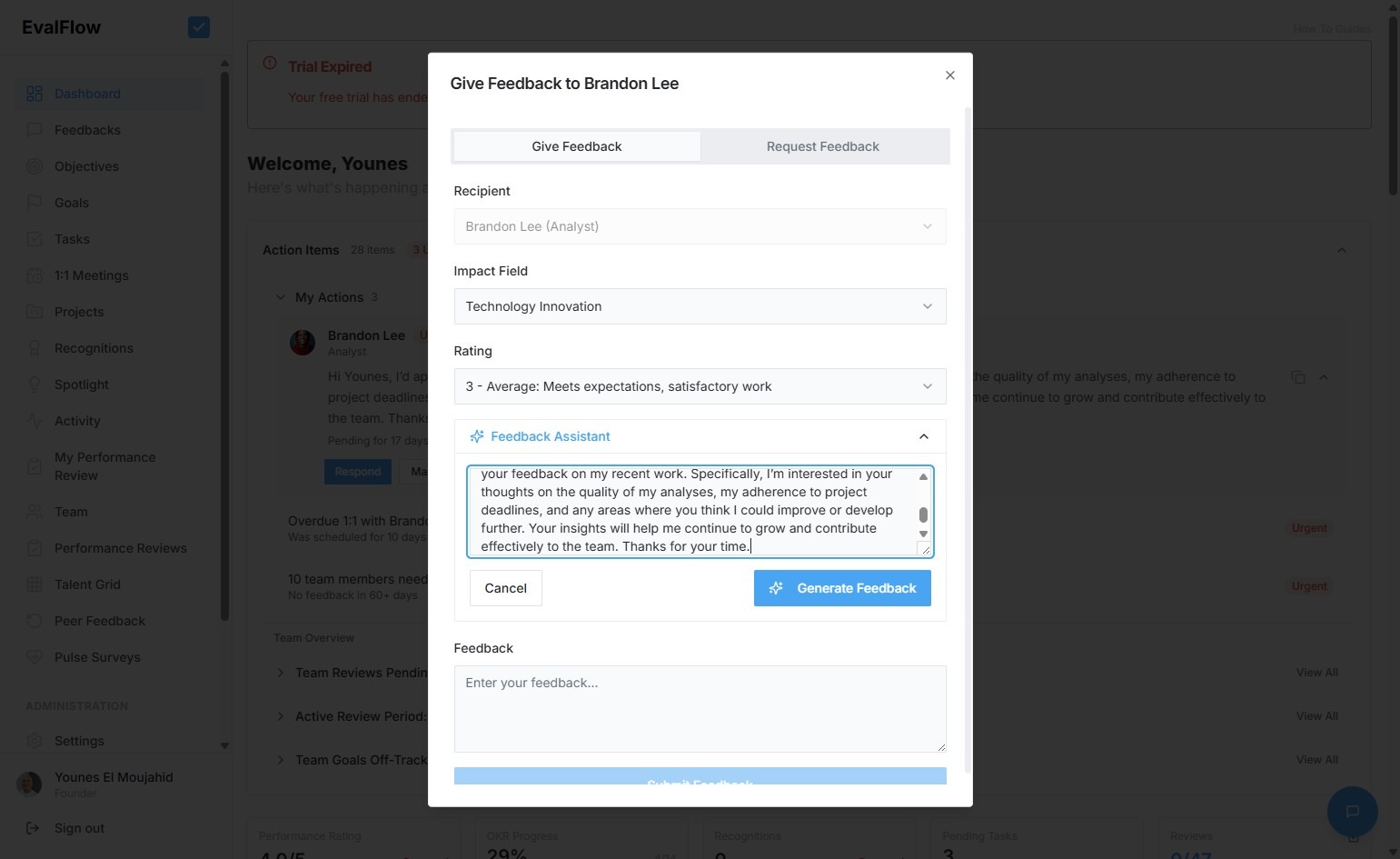
12. Type " [[Enter]]"
13. Click "Apply This Feedback"
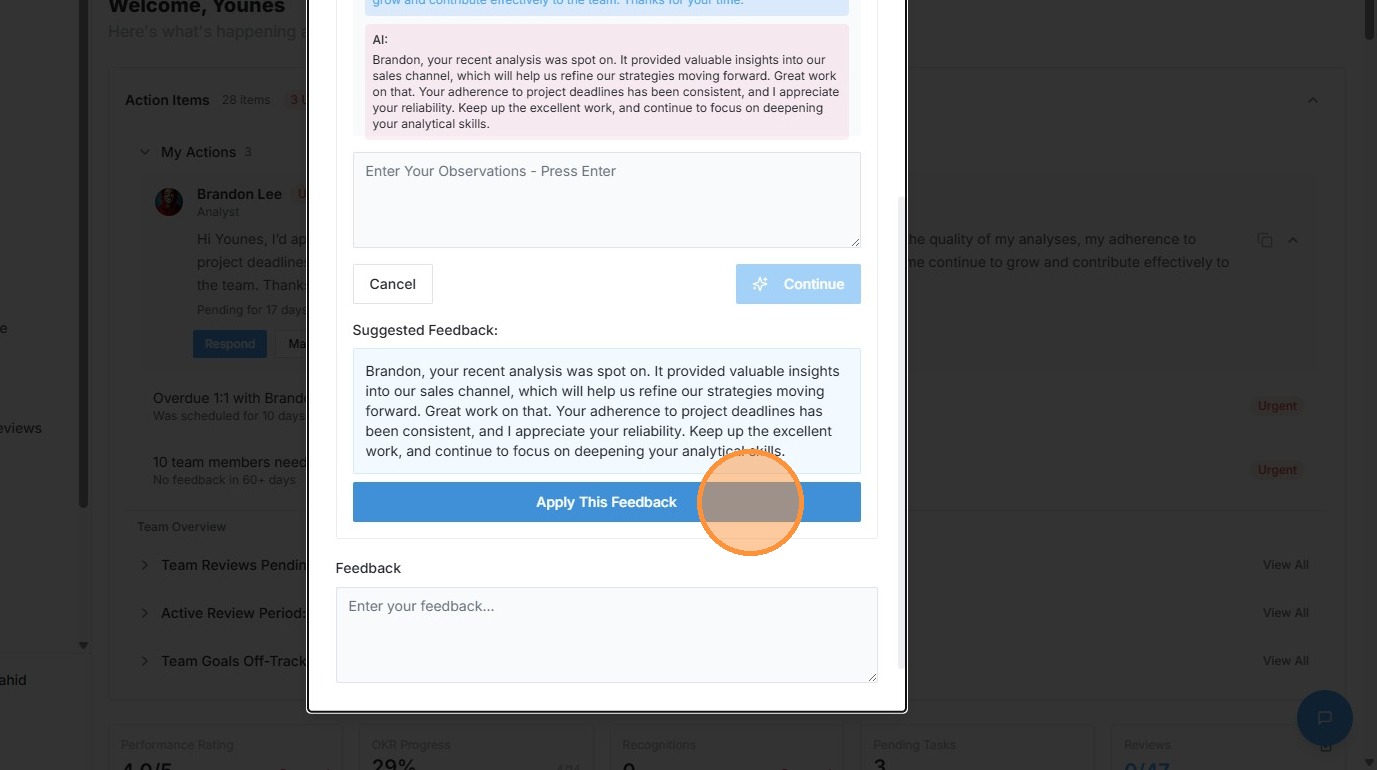
14. Click "Submit Feedback"
15. Click "Feedbacks"