How To Submit Feedback Using EvalFlow
Learn how to efficiently provide performance feedback to team members by utilizing Evalflow's automated assistance features. This guide walks you through the selection process and demonstrates how to leverage the AI tool to draft and submit your review quickly.
Dashboard Navigation
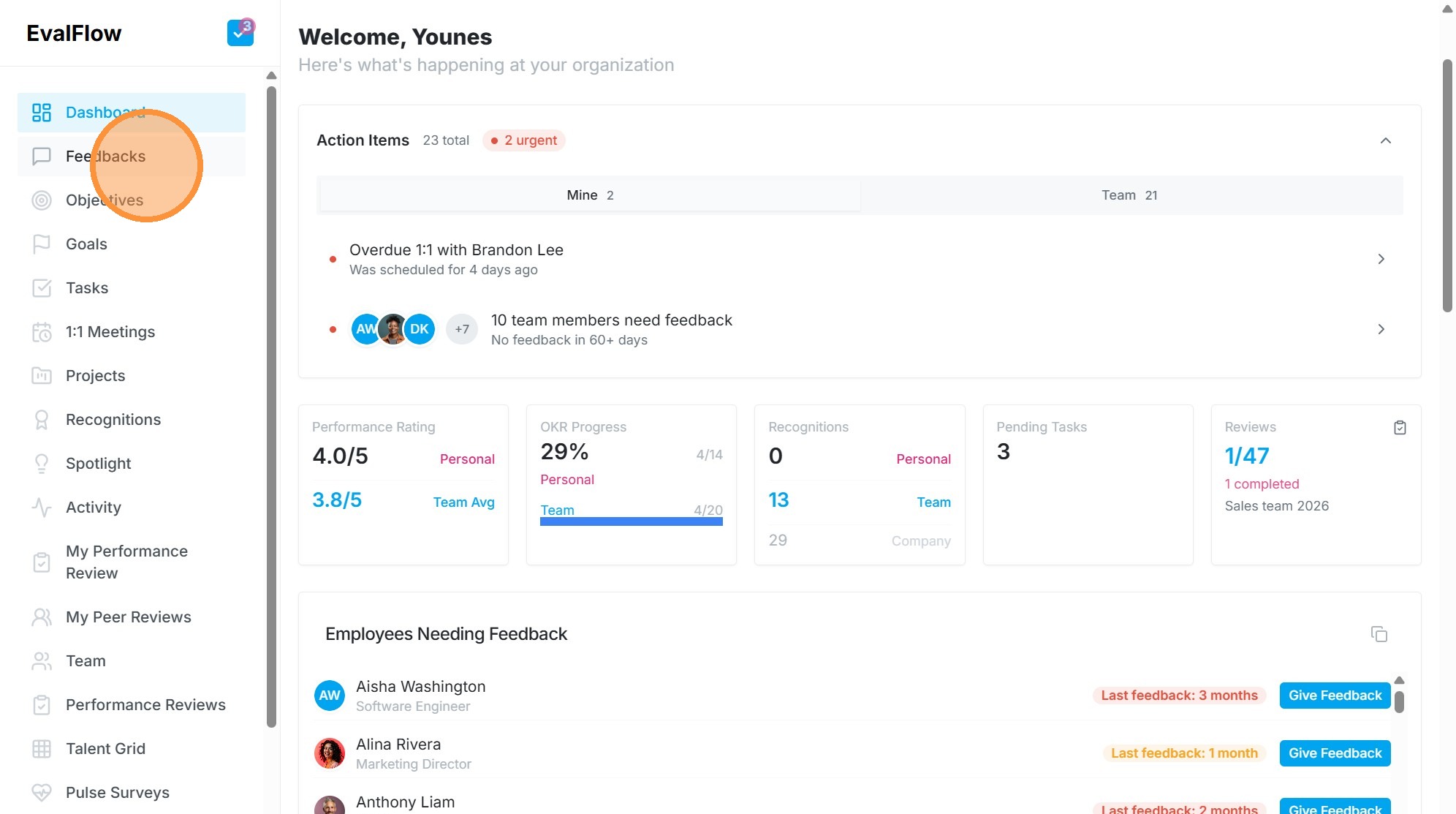
1. Navigate to https://app.evalflow.com/dashboard
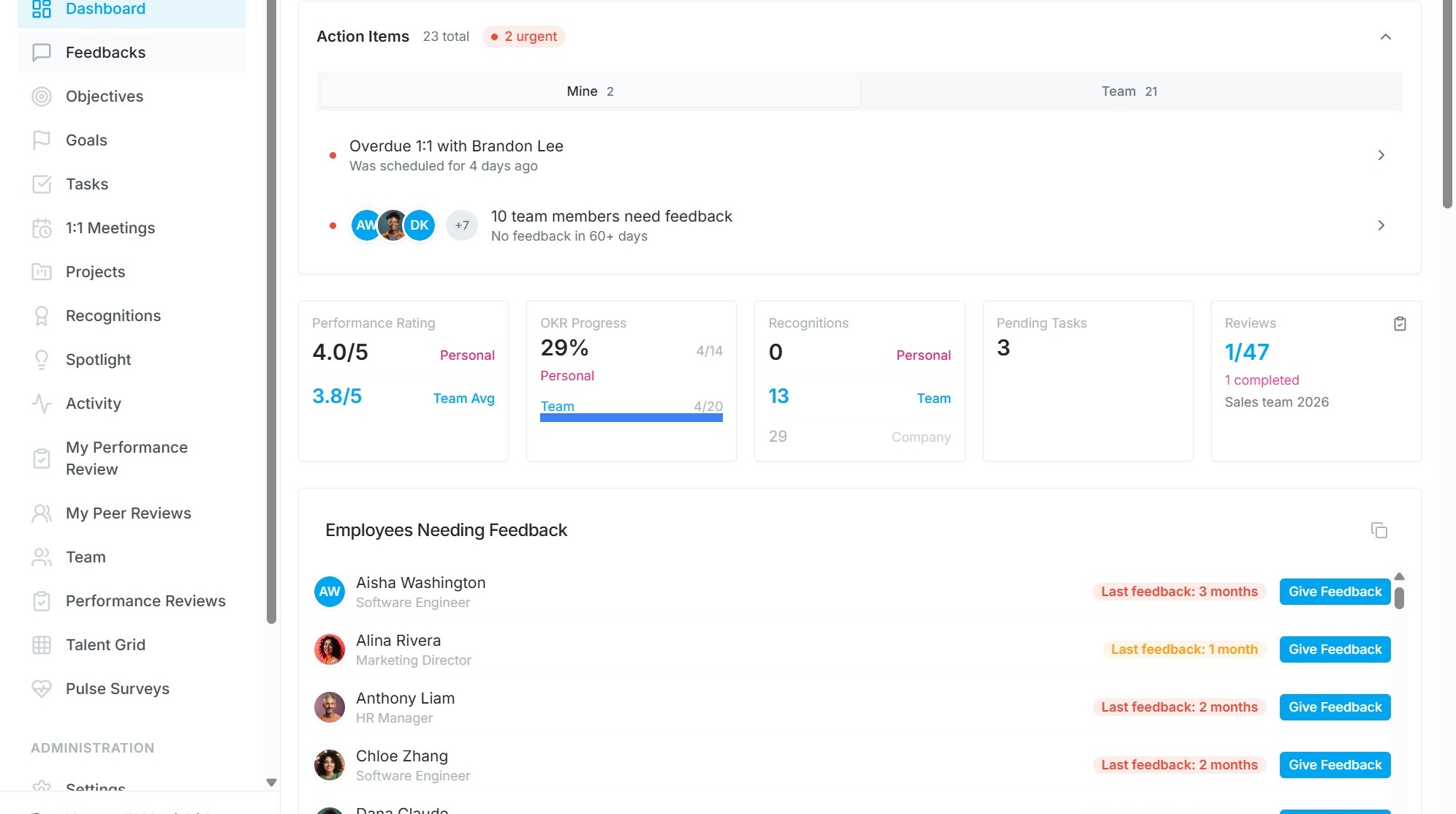
2. Click "Feedbacks"
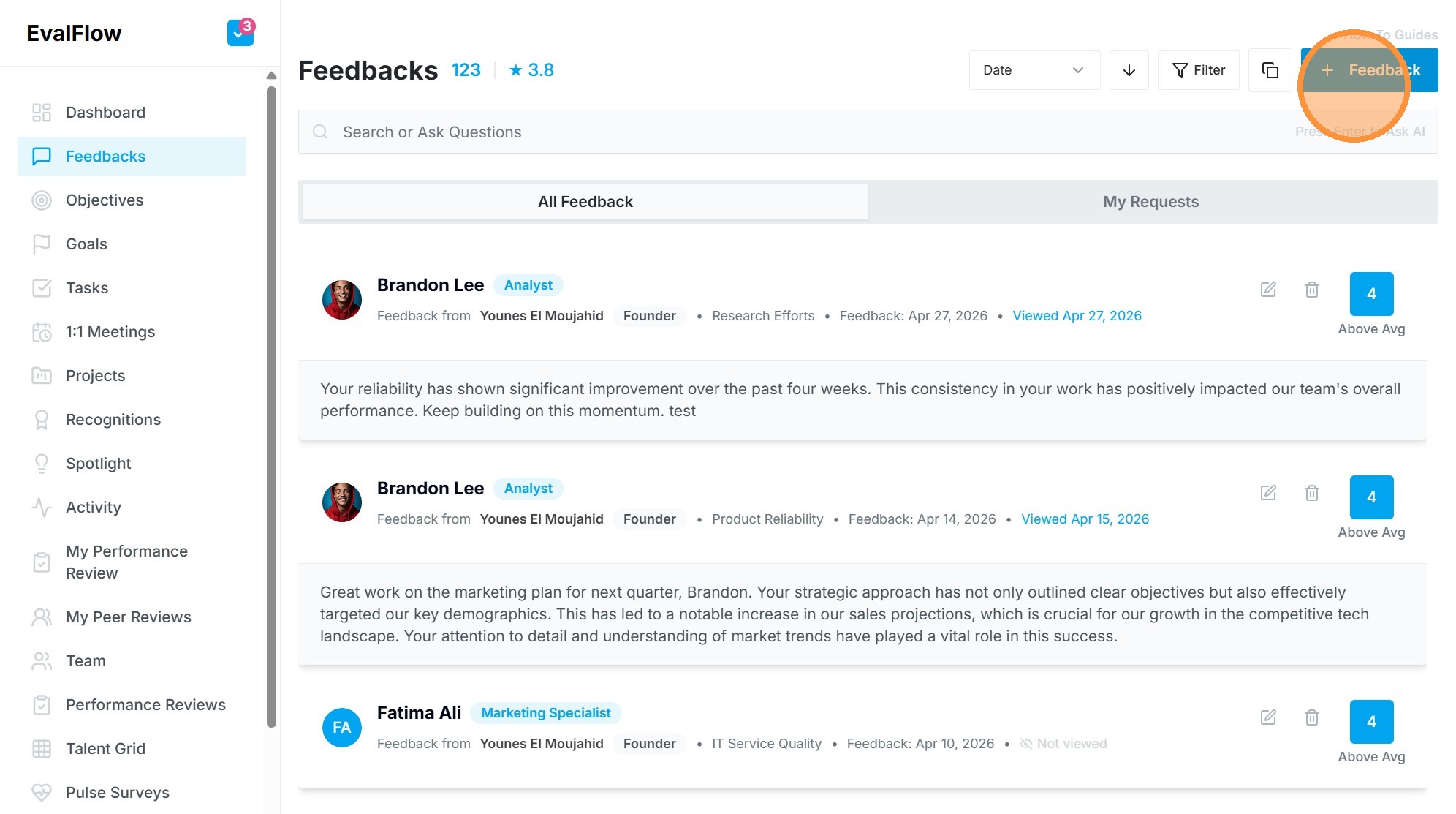
3. Click "+ Feedback"
Feedback Configuration
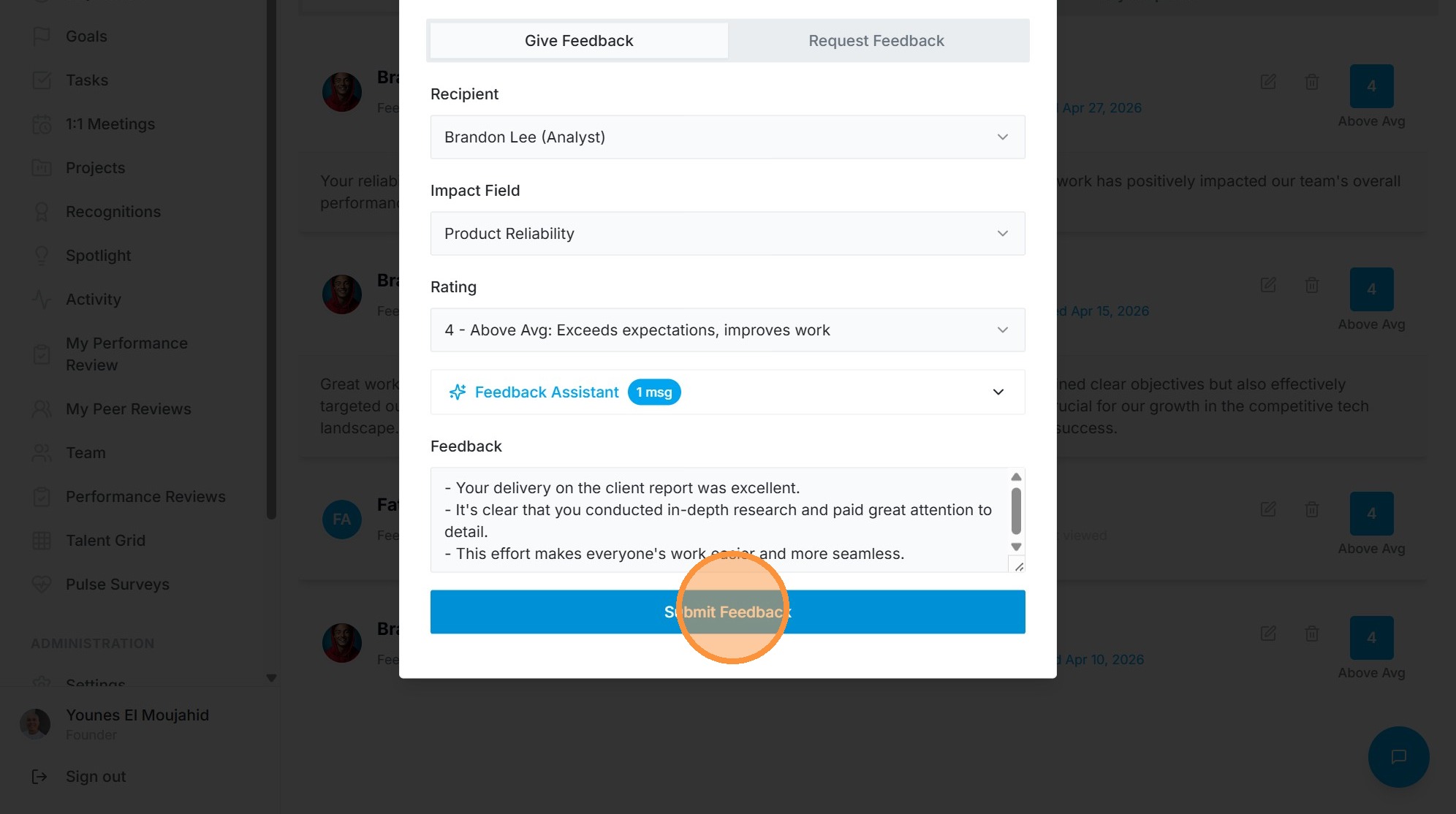
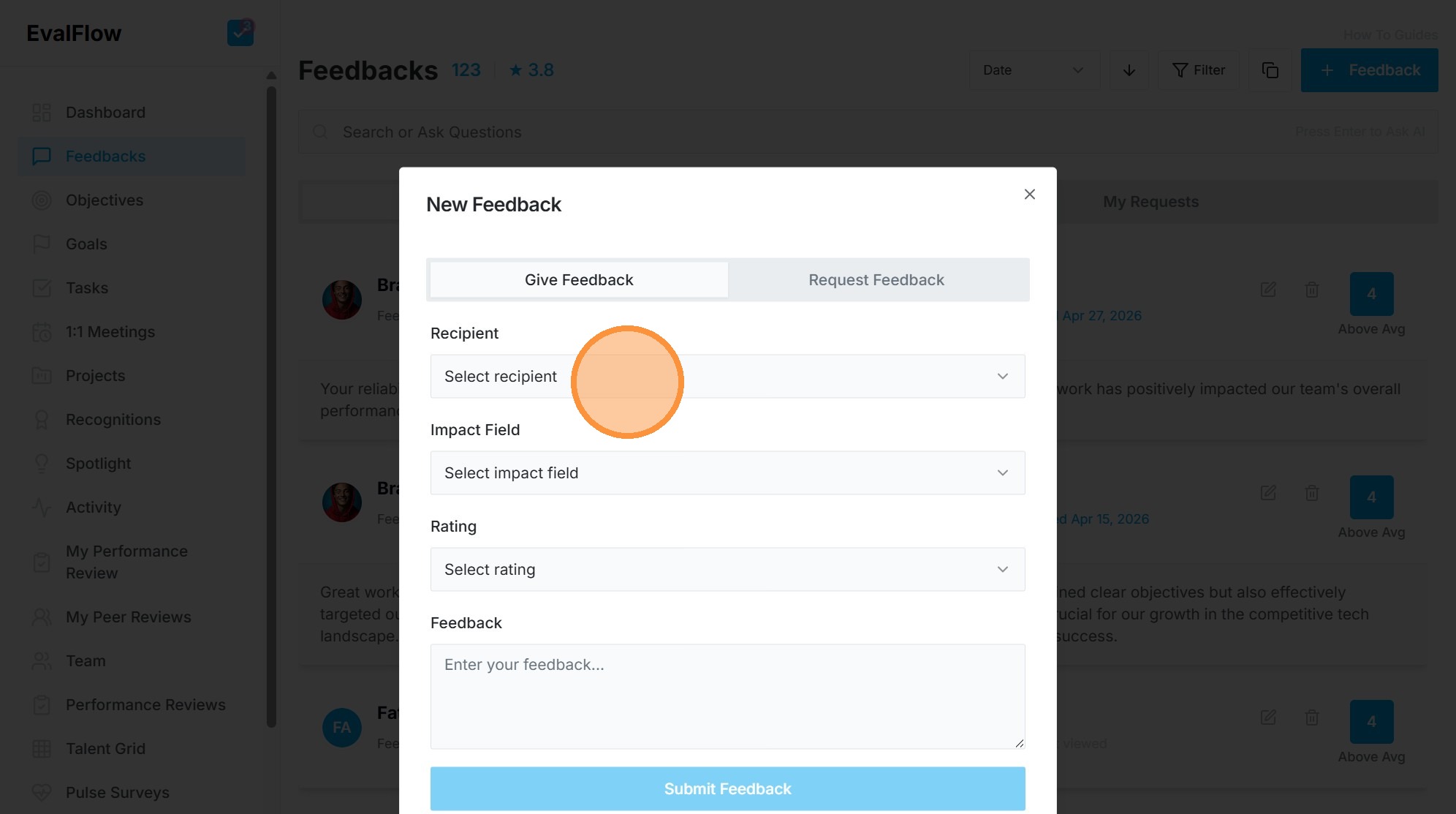
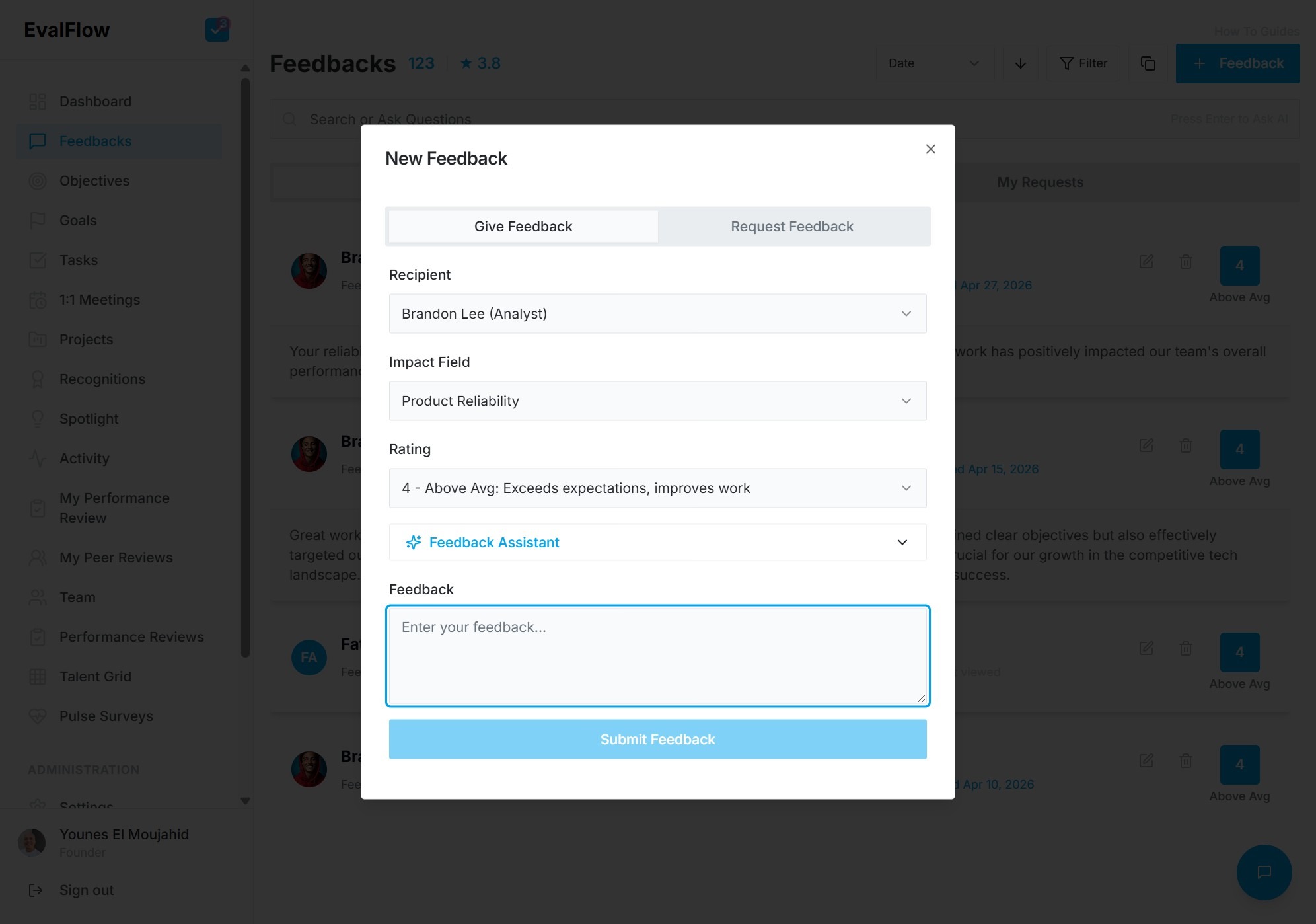
4. Select "Brandon Lee (Analyst)" as recipient
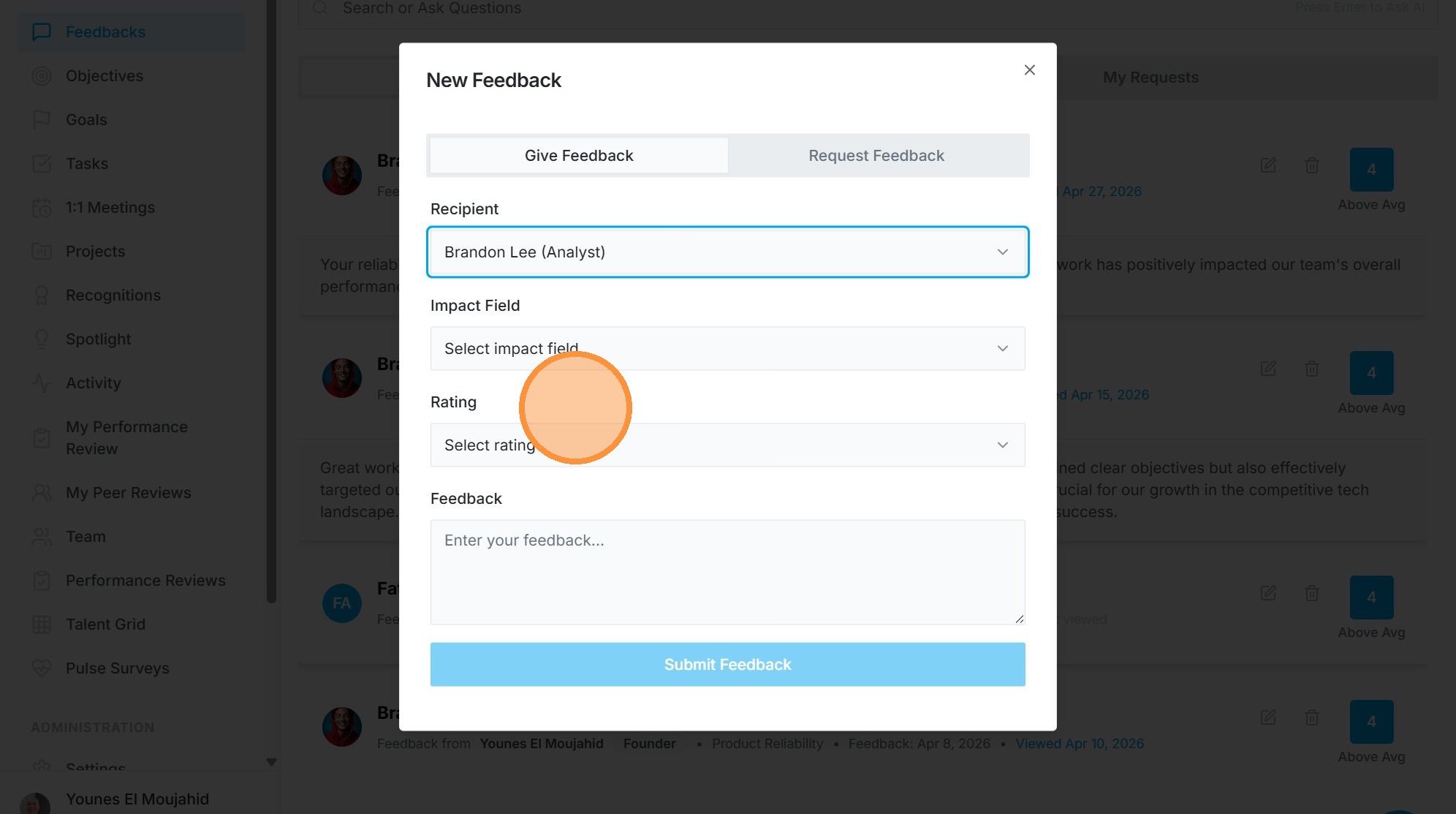
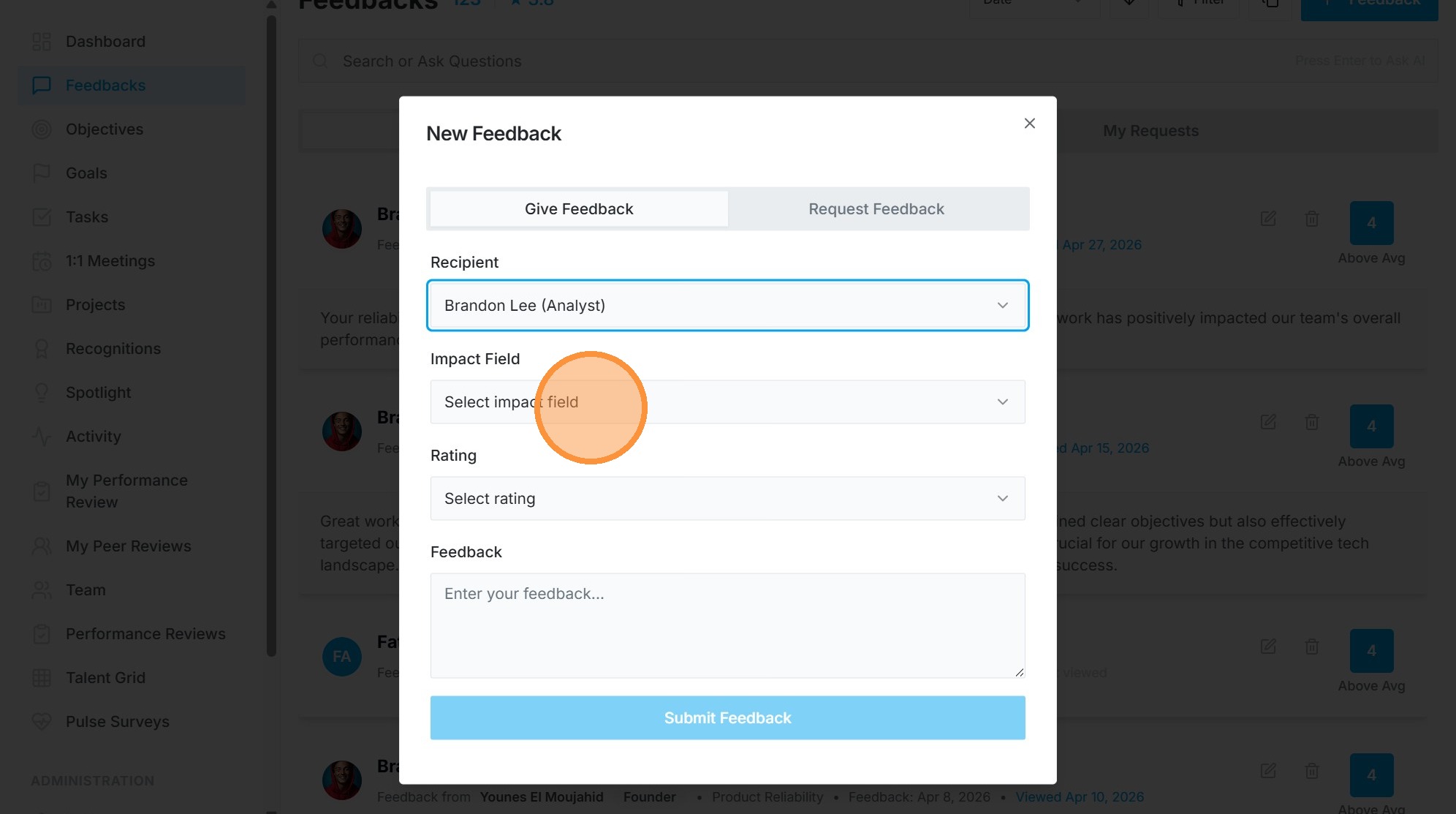
5. Select "Product Reliability" as impact field

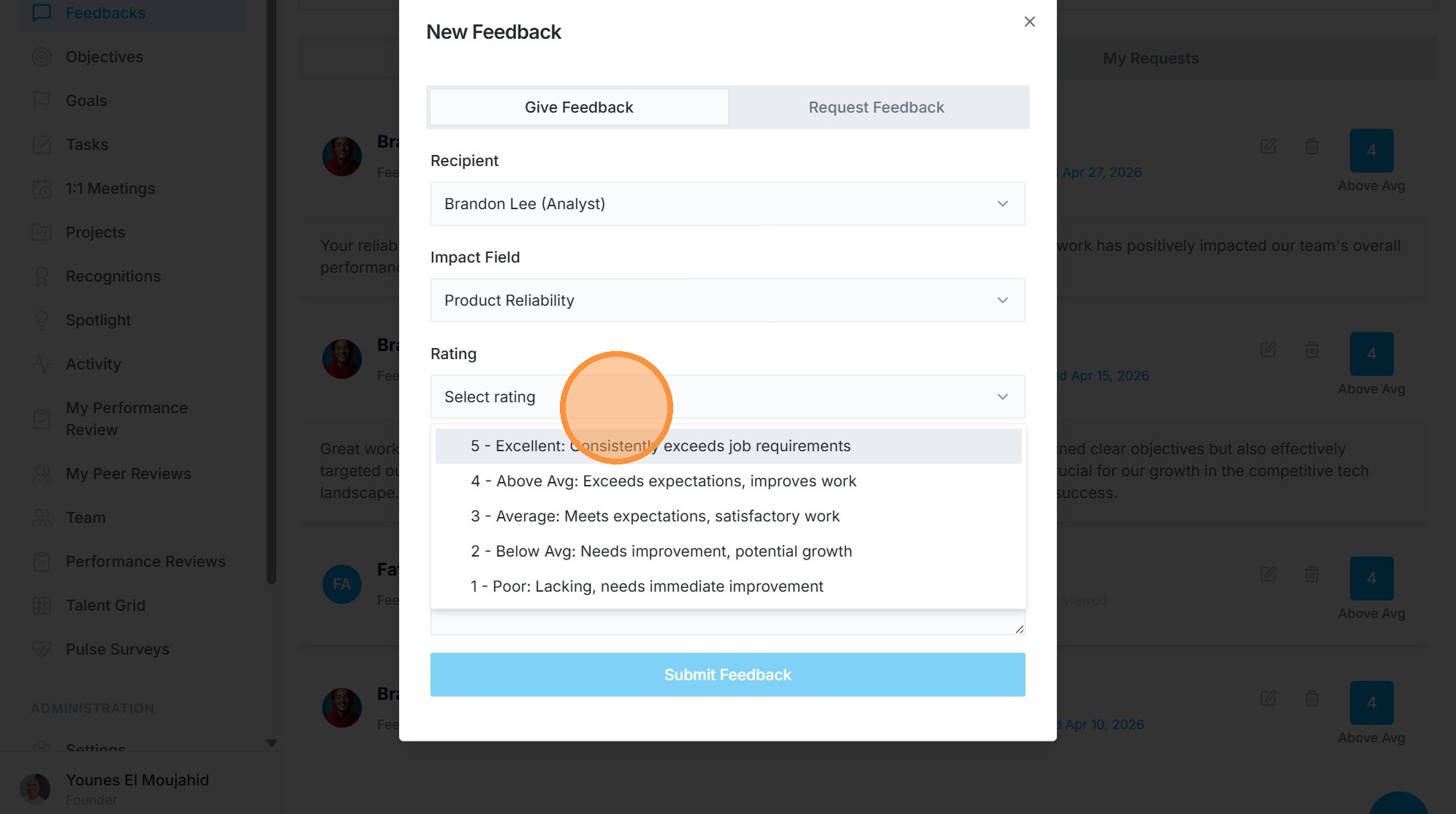
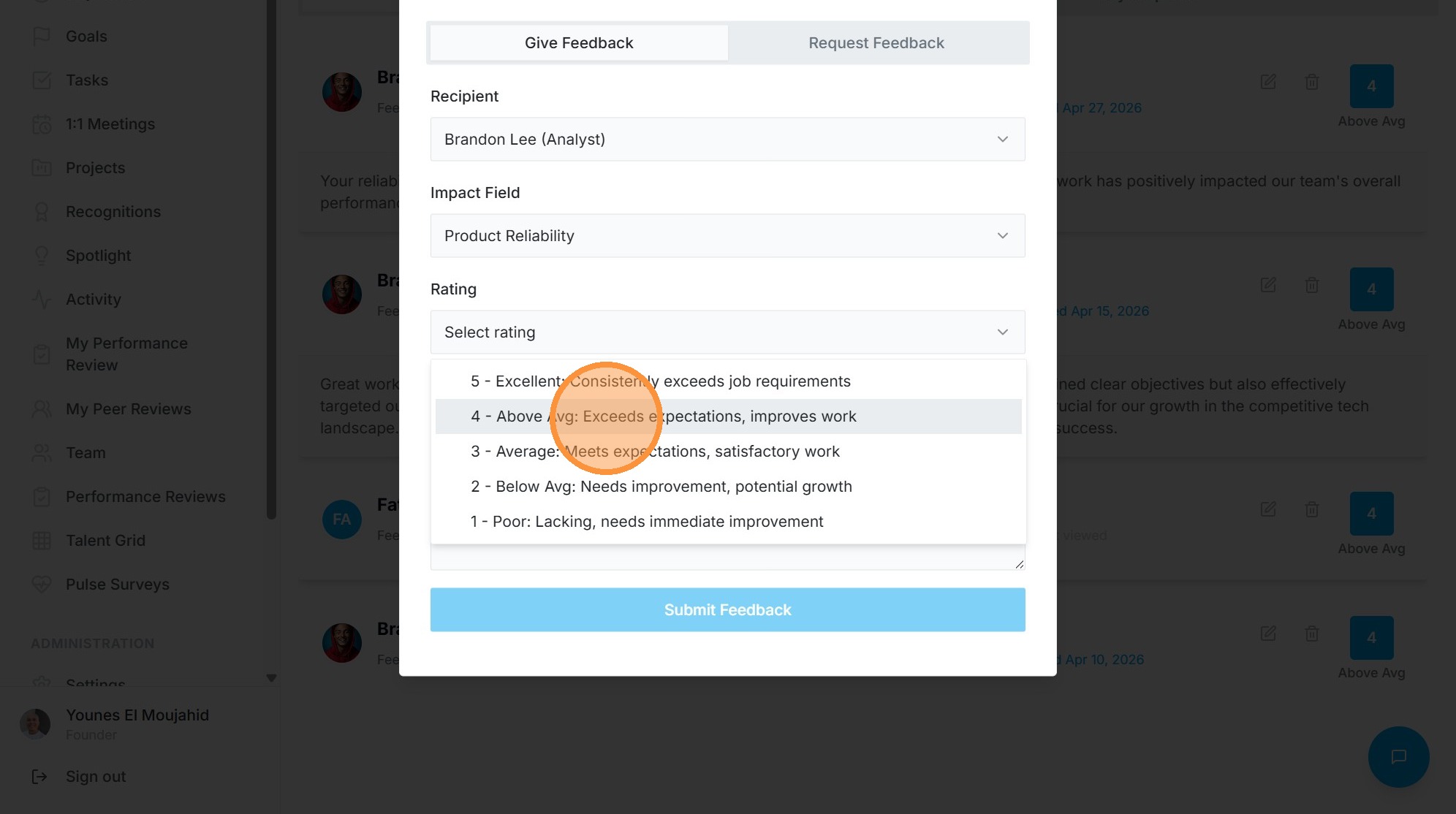
6. Select rating "4 - Above Avg"
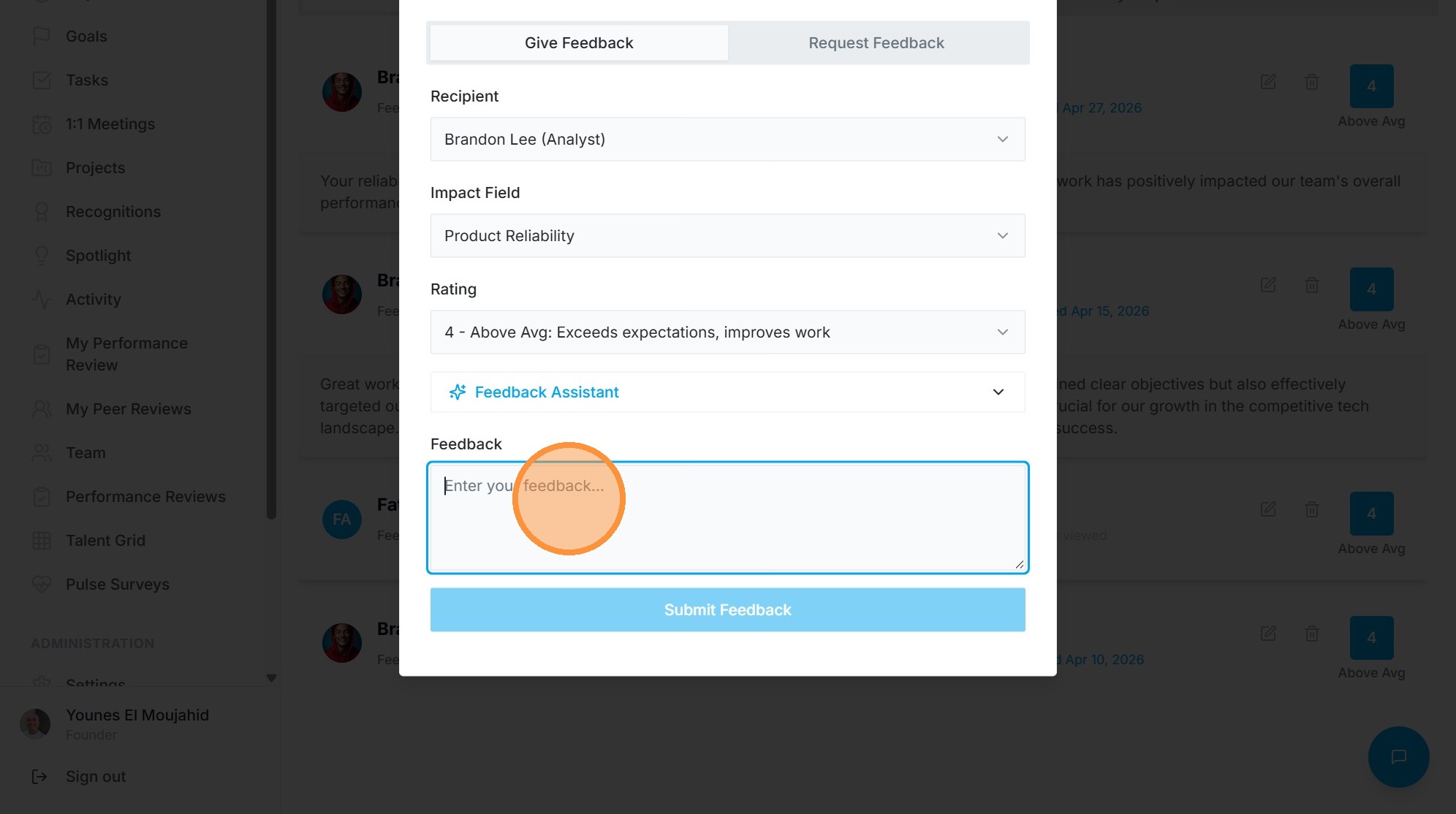
7. Paste feedback into field
AI Assistant
8. Open Feedback Assistant
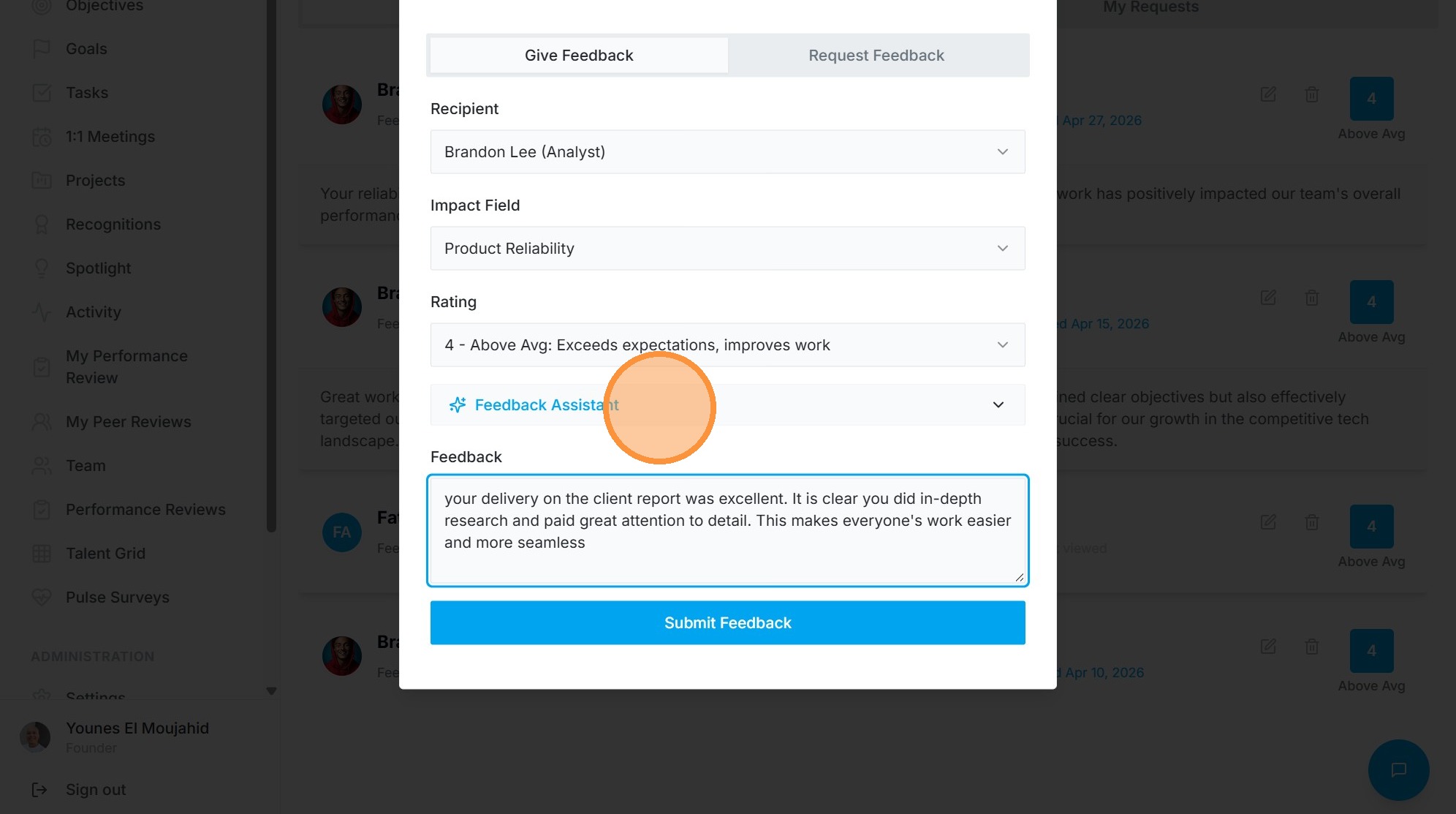
9. Paste observations into Feedback Assistant
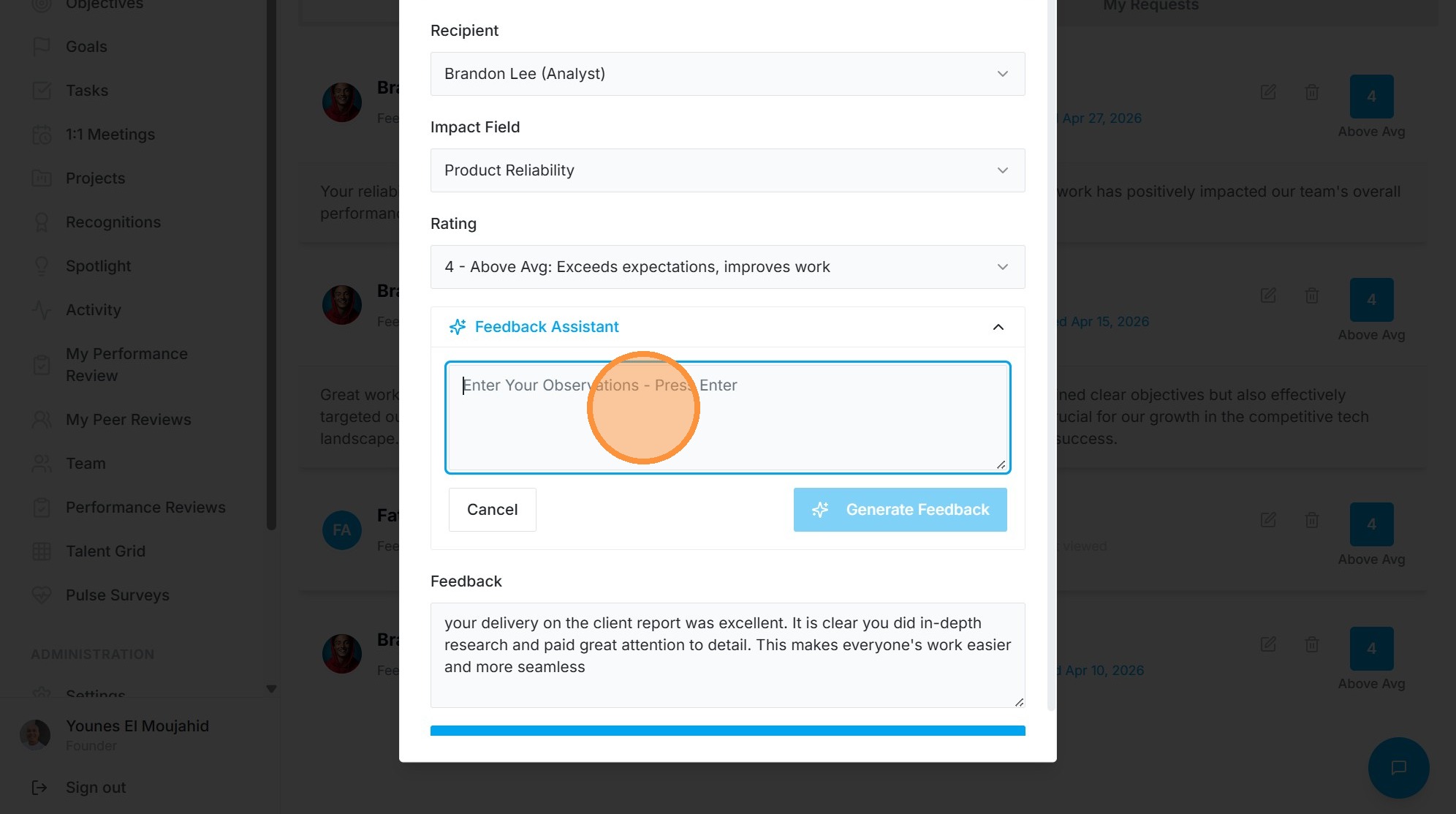

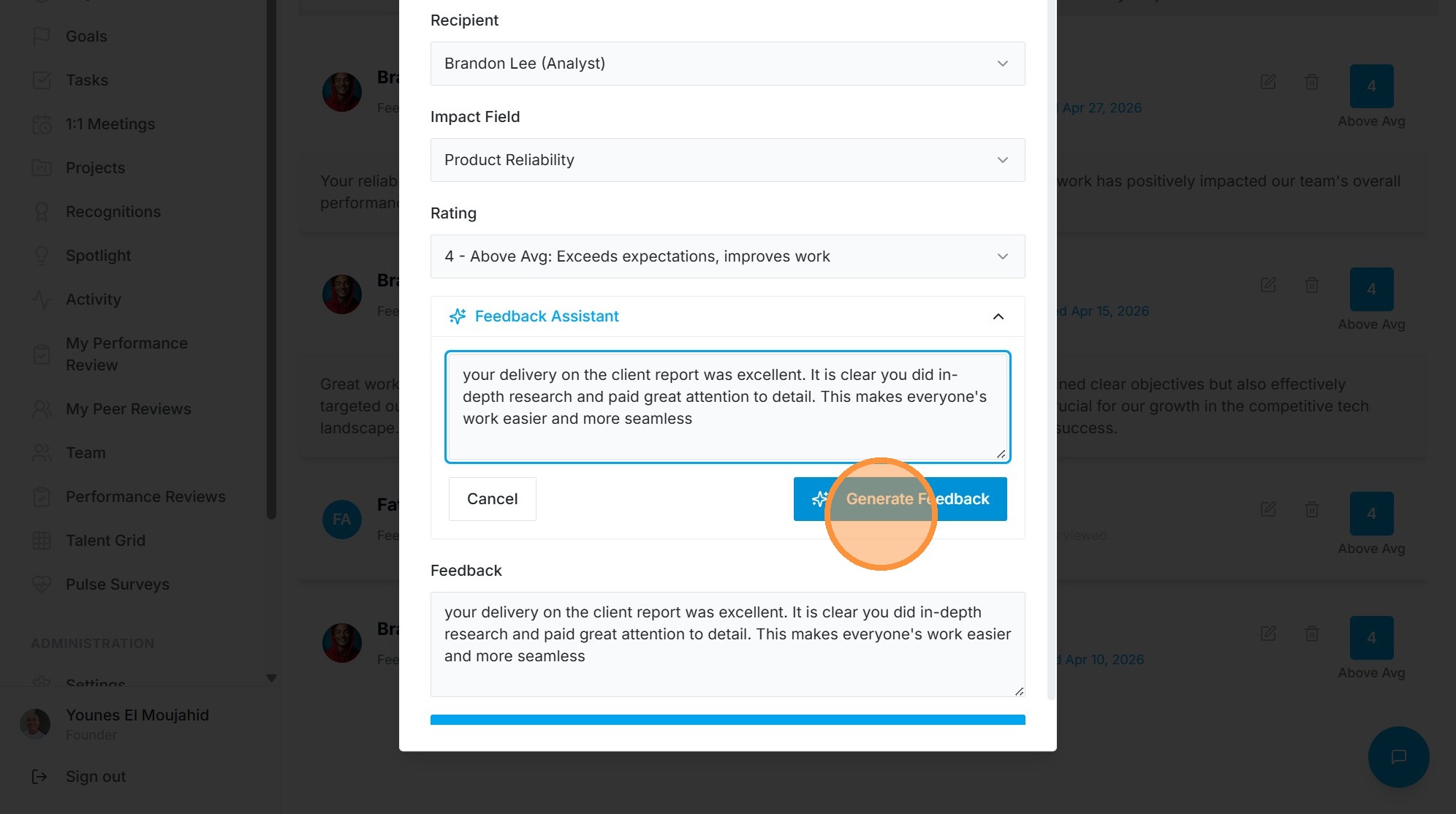
10. Click "Generate Feedback"
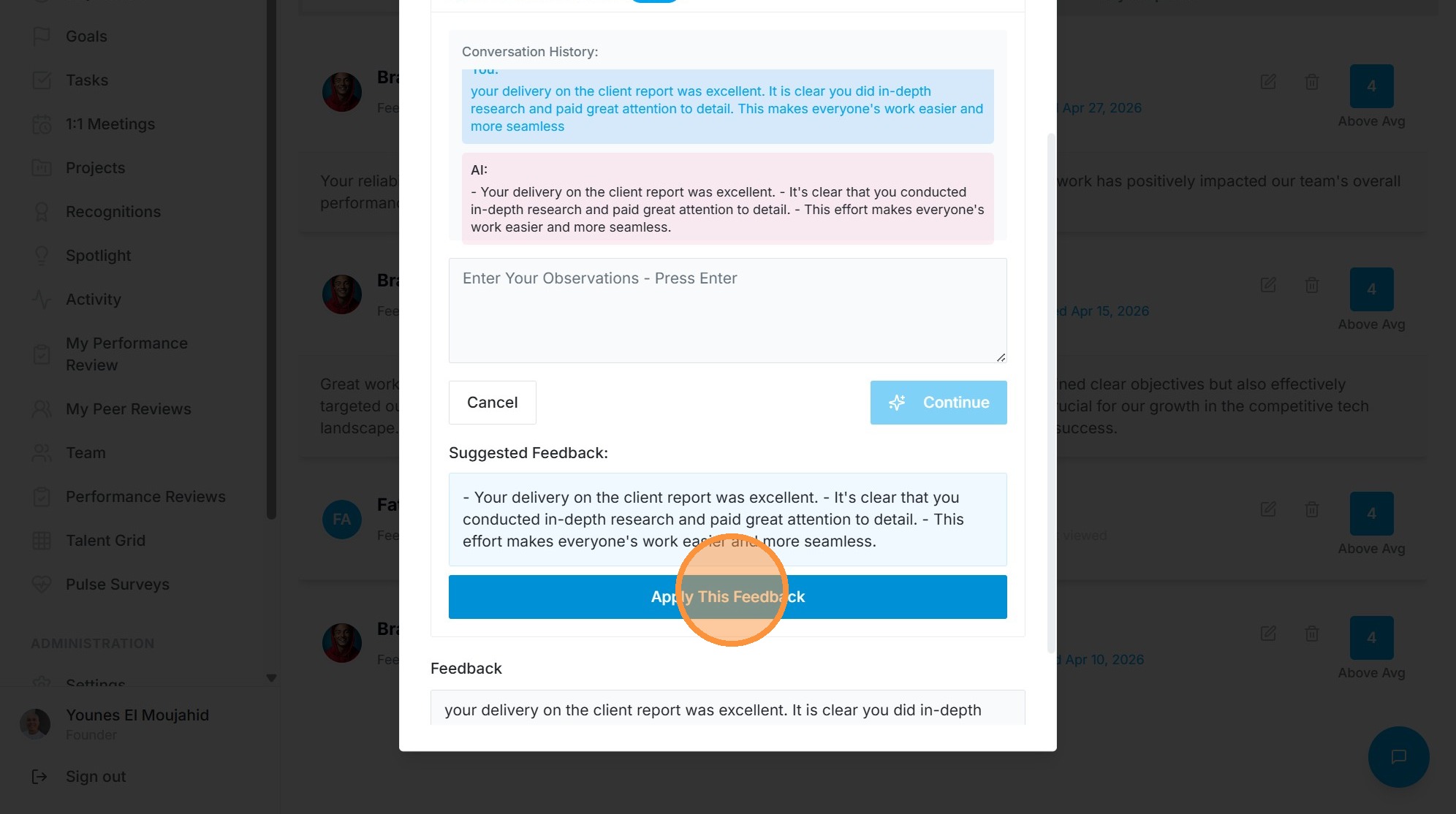
11. Click "Apply This Feedback"
Submission
12. Click "Submit Feedback"