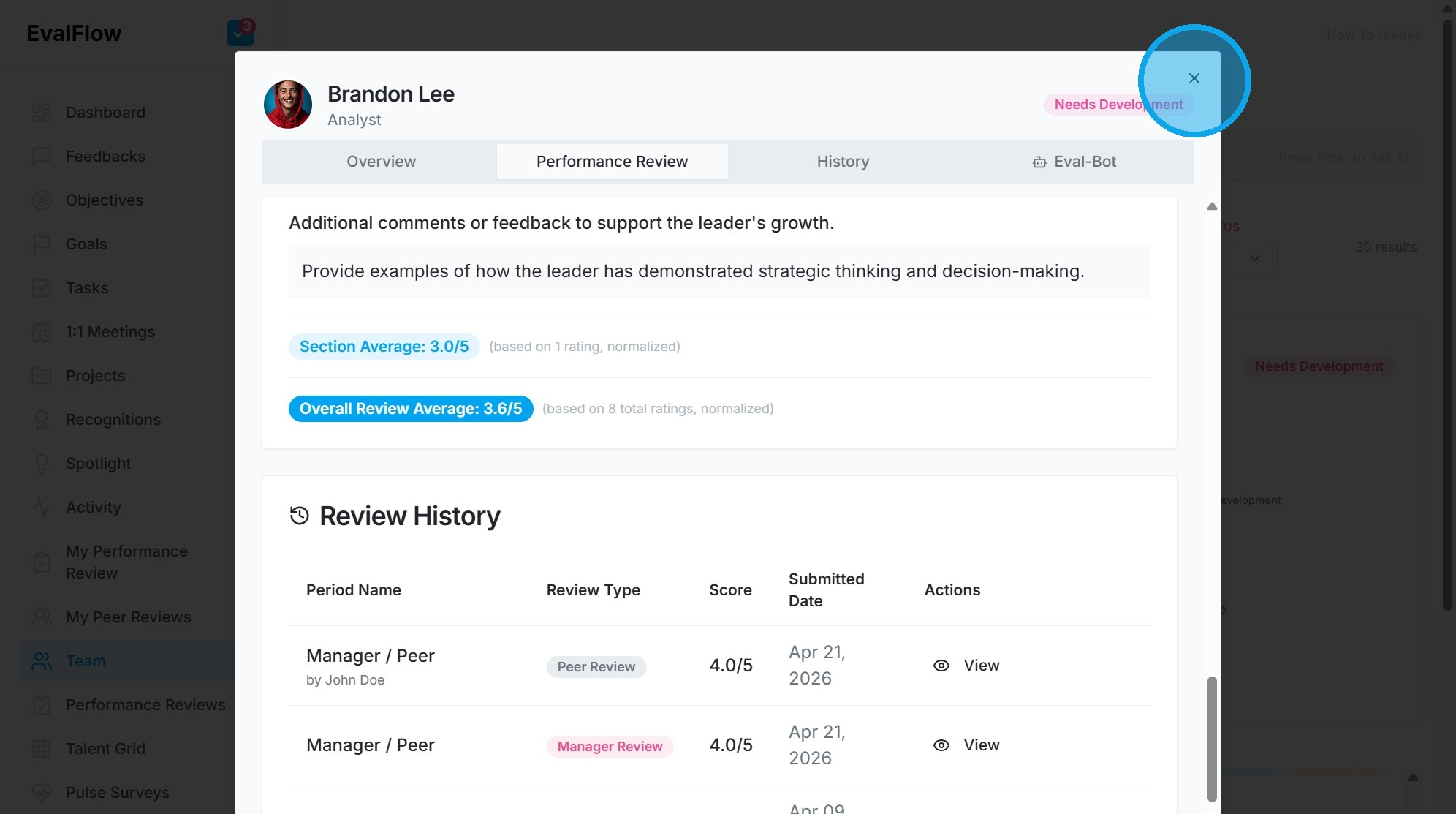
How to Submit Performance Review in Evalflow
Learn how to navigate the Evalflow dashboard to provide detailed performance feedback for your team members. This guide streamlines the process of inputting strategic examples and development insights into your review forms.
1. Navigate to https://app.evalflow.com/dashboard
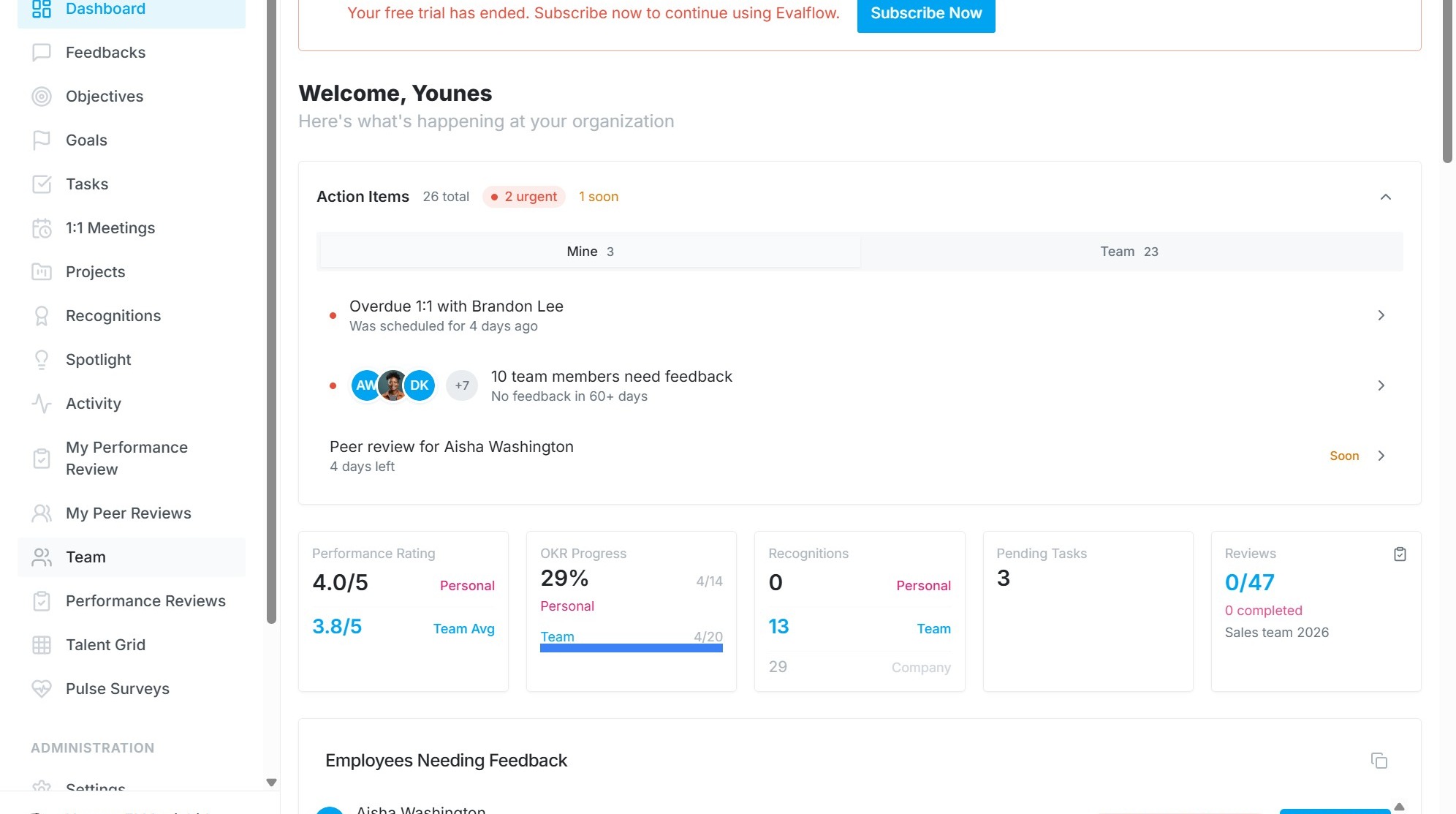
2. Click "Team"
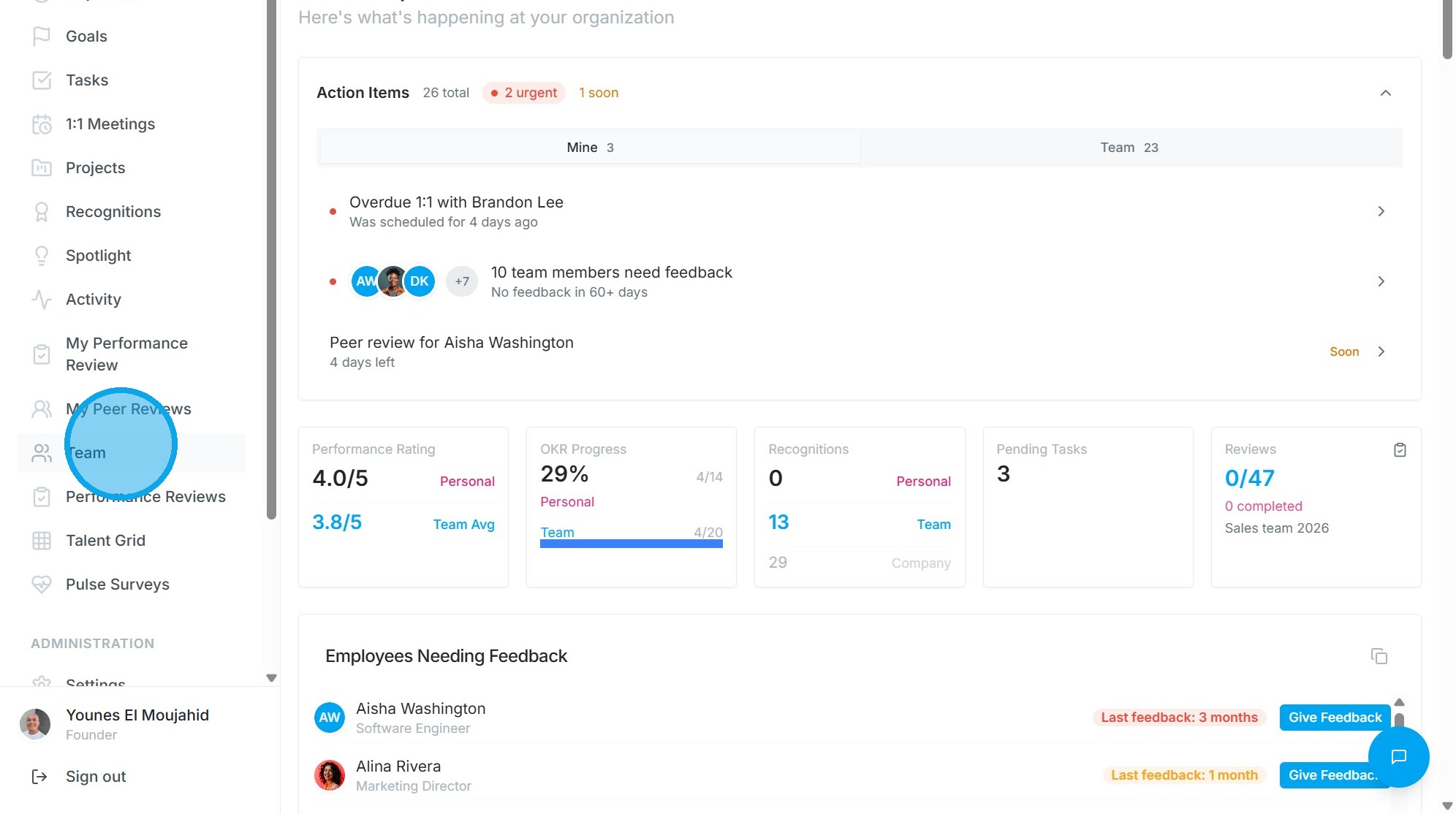
3. Click "Brandon LeeAnalystFeedback3.8/5 (19)GoalsNo dataRecognitions342PerformanceNeeds DevelopmentReview Due"
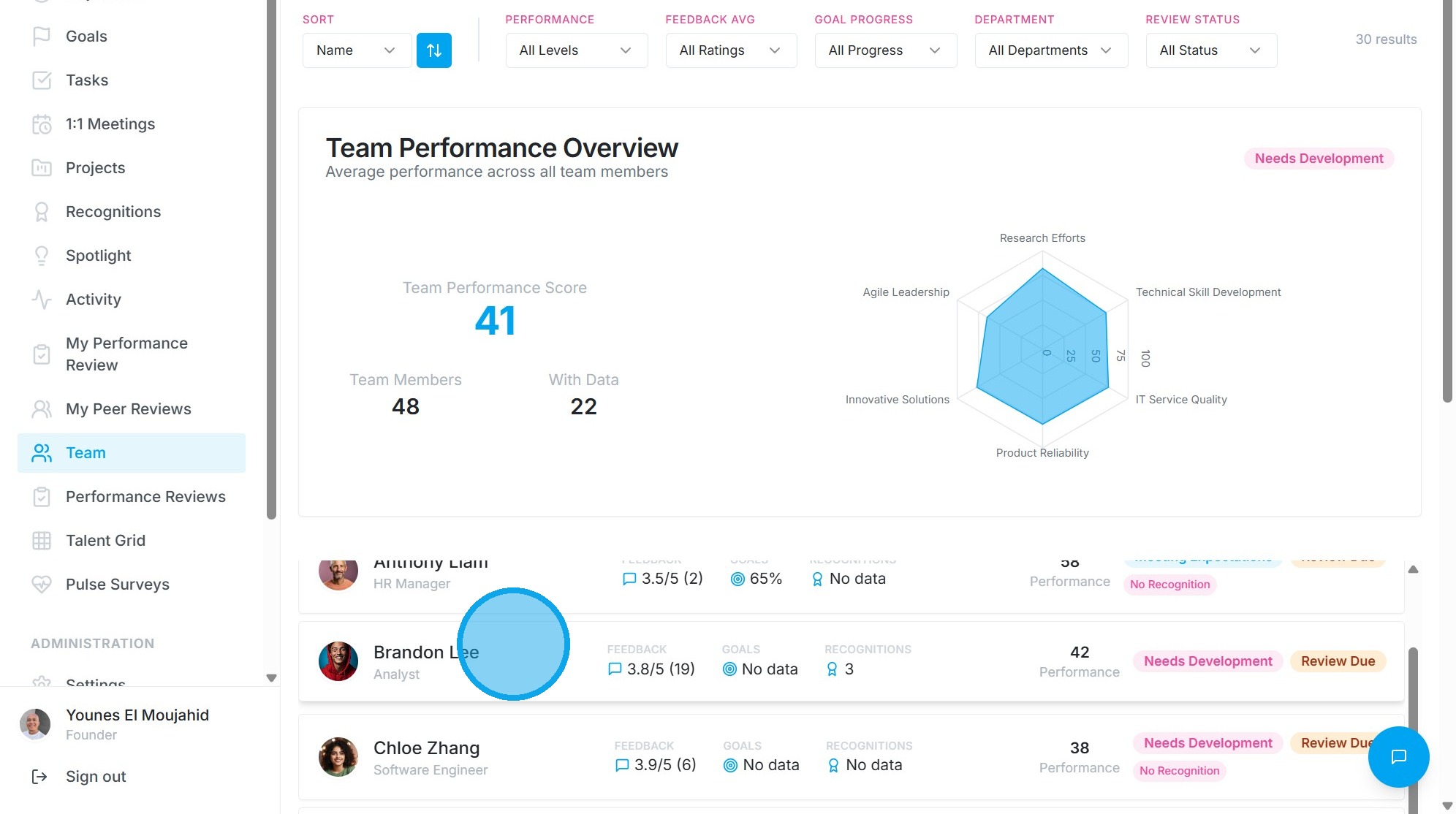
4. Click "Performance Review"
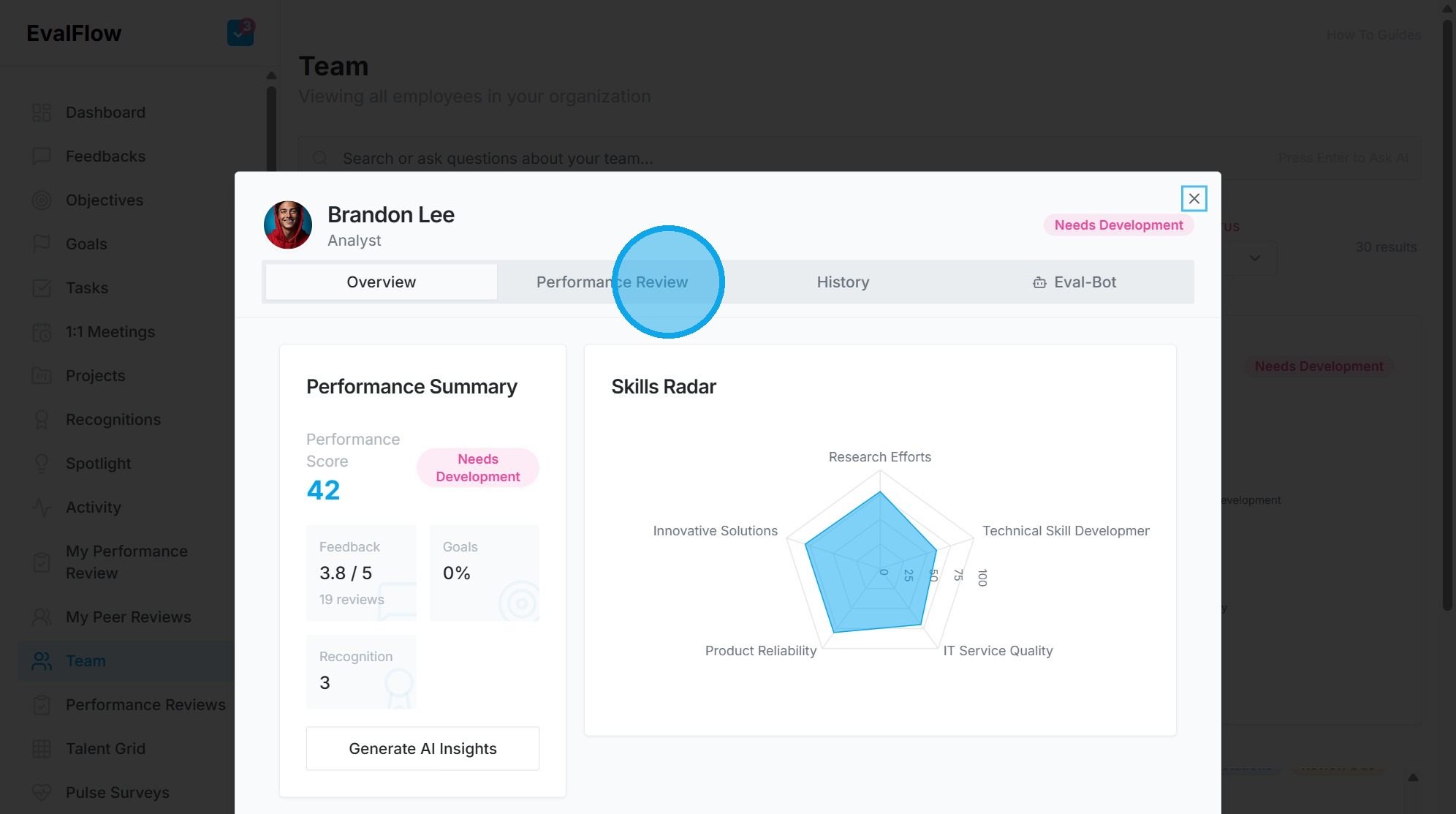
5. Click this button.
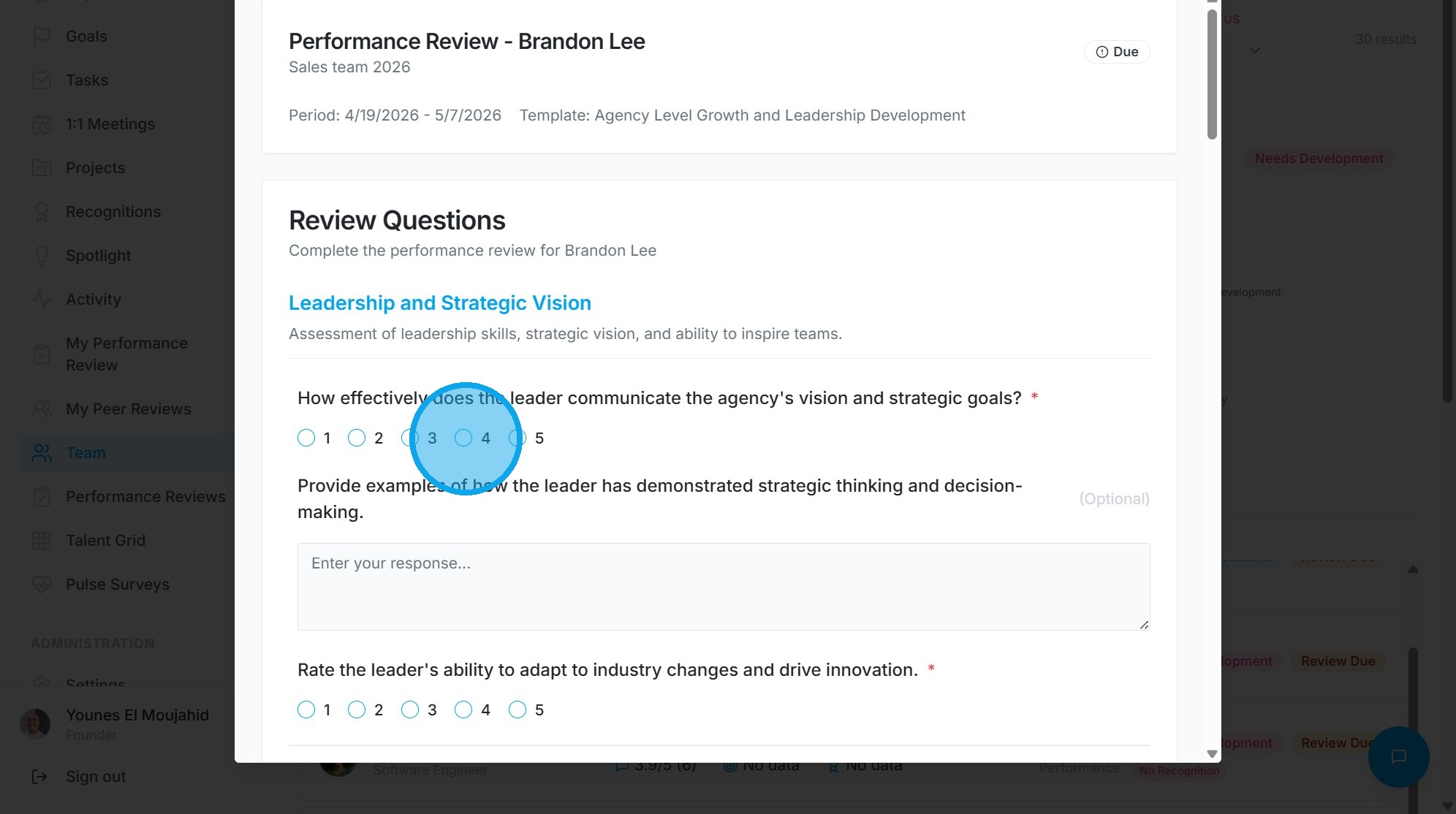
6. Press [[ctrl]] + [[v]]
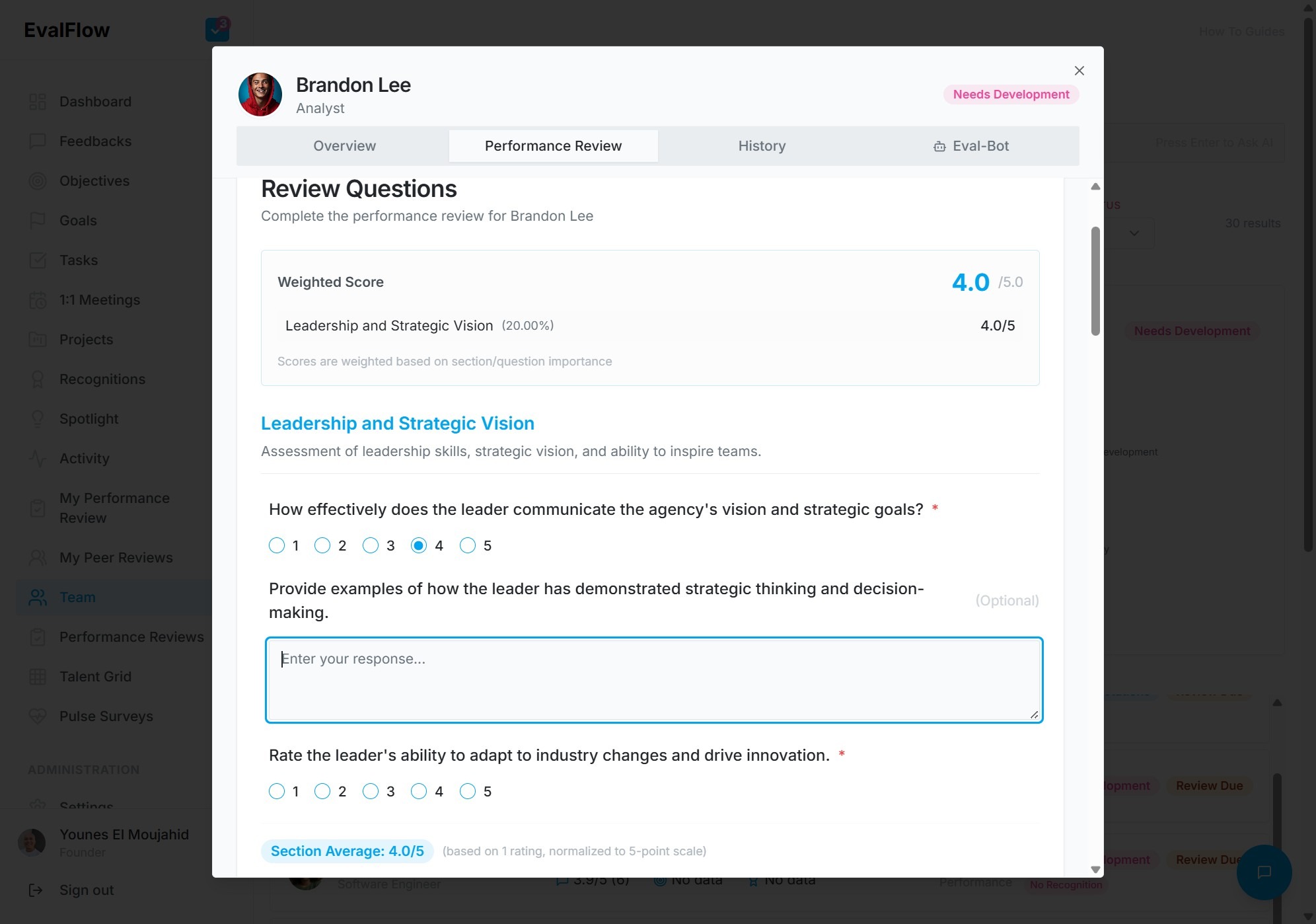
7. Click the "Enter your response..." field.
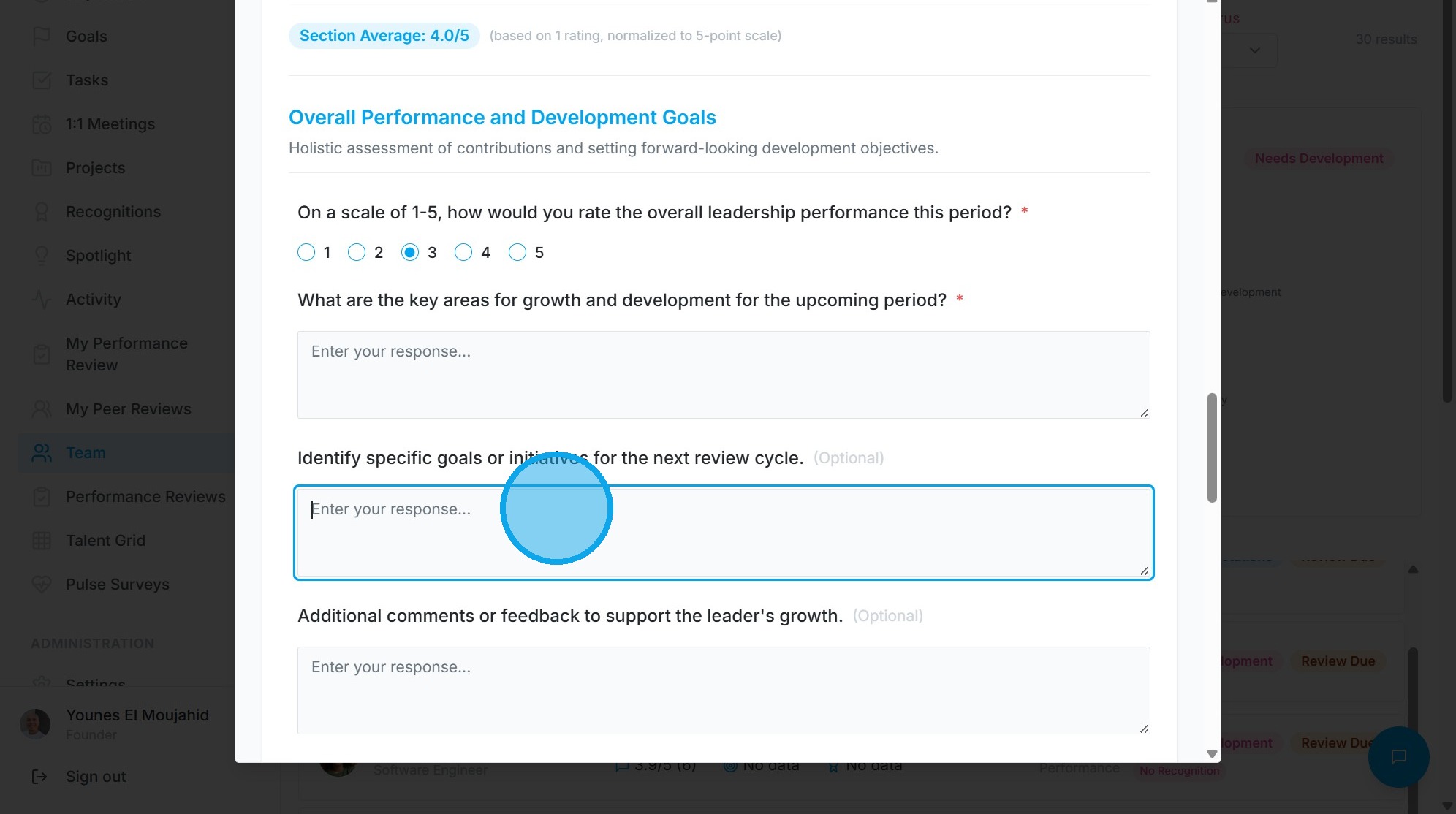
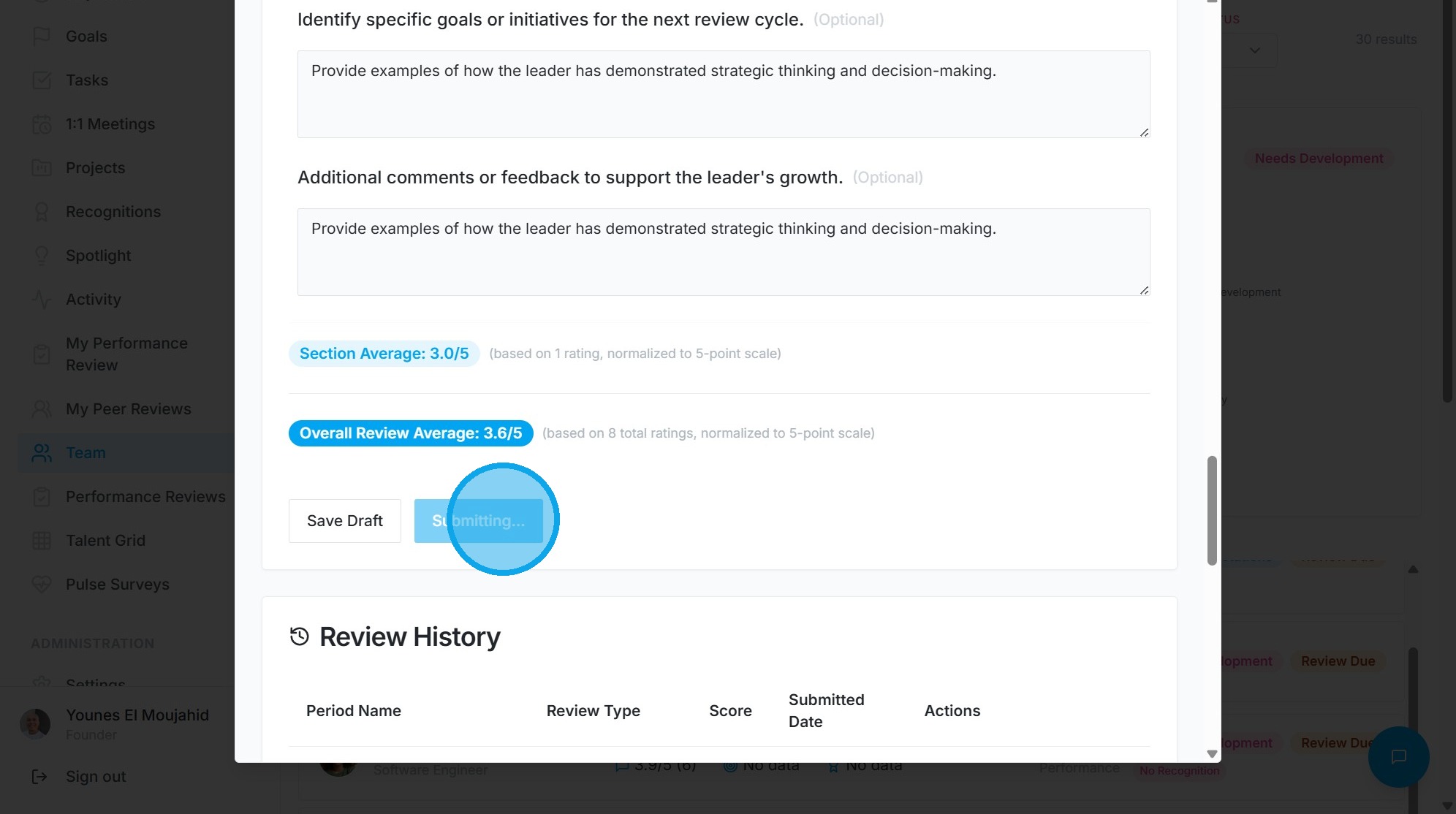
8. Click "Submit Final Review"
9. Click this icon.